Batch programs in OpendTectWhat we call a 'batch program' is usually called 'console program' on Windows. All our batch programs accept a single parameter file as argument, and optionally '-bg' if it has to run in the background (it will be ignored on Windows though). Rather than specifying a 'main', you have to specify: bool BatchProgram::go(std::ostream&); The Log file: window other possibilities are 'stdout' or a file name.
That reveals what the par file is: a standard OpendTect Ascii data file with an asistream/ascostream header (see Basic/ascstream.h) and as contents a single IOPar written with const bool usewavelet = pars().isTrue( "Use Wavelet" ); That would become false if the par file contains a line like: Use Wavelet: No
Rather than returning an Example code is in od_example_batchprog.cc, the program's example par file is od_example_batchprog.par. In CMakeLists.txt you need to add a line like: SET(OD_MODULE_BATCHPROGS your_program_file_name_without_cc_extension ) Output from the example program: 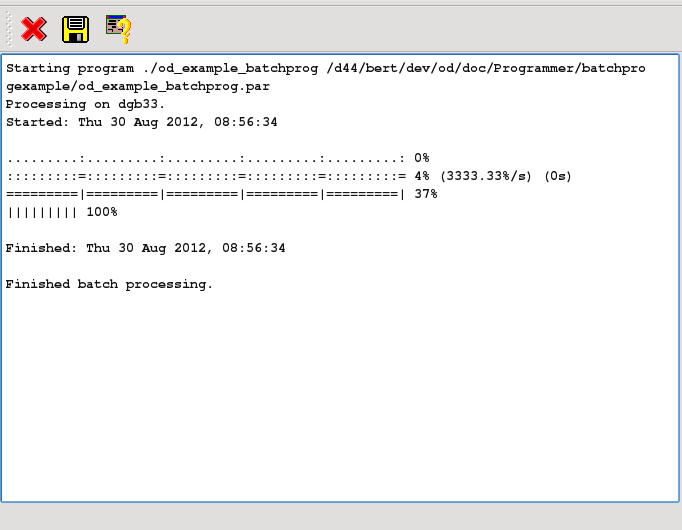 |