 icon in the main OpendTect window and then click on
  icon to Create New Survey.
An OpendTect survey can be quickly set up from an existing Petrel project. Go to Survey > Select/Setup or click on icon in the main OpendTect window and then click on icon to Create New Survey.
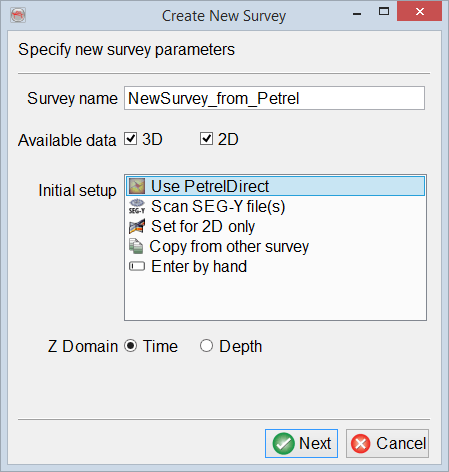
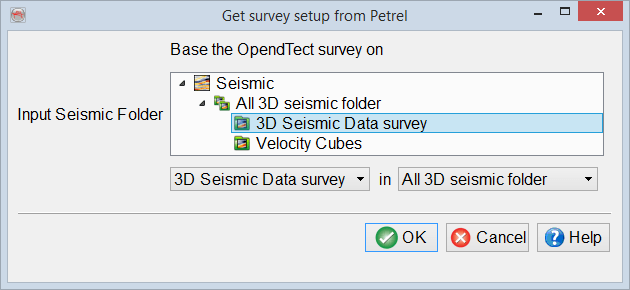
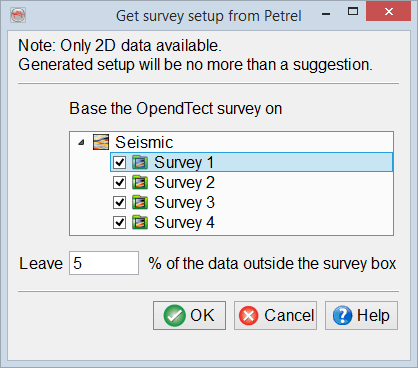
Use PetrelDirect option of Initial setup forwards to Get survey setup from Petrel window which looks different depending on the availability of 2D and 3D seismic survey folders in Petrel project.
3D: choose one of the 3D seismic folders either in the tree view or using drop-down menus.
2D: choose one or more 2D seismic surveys which will be used to generate a suggested survey setup and set the percentage of data to be left outside the survey box.
© dGB Beheer B.V. 2002 - 2019