2.1.9 Fault Dip - Azimuth
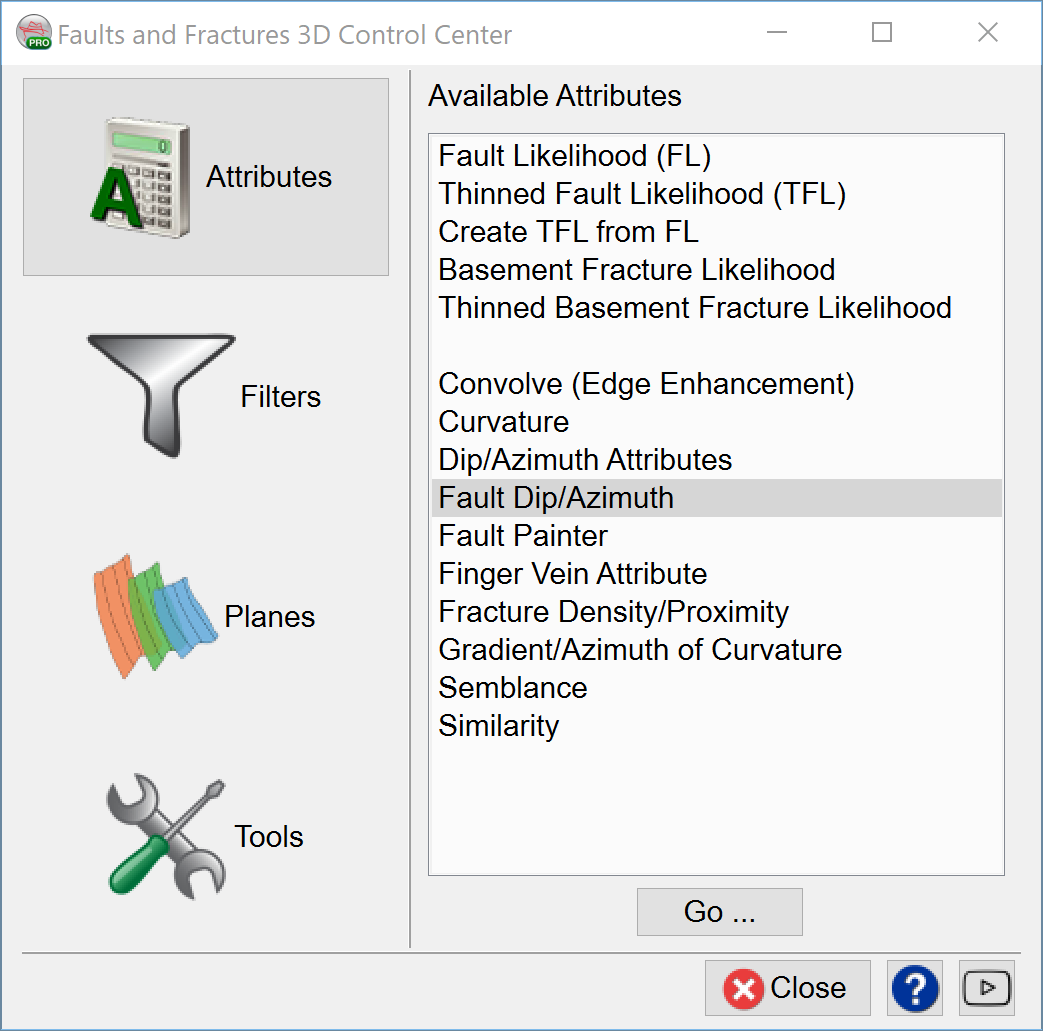
For the fault dip attribute, the input has to be one of the discontinuity volumes, such as Similarity, Thinned fault likelihood, etc. Binary score volume, which a user can output by applying Finger vein algorithm, can be also used an input for the Fault Dip attribute.
Fault threshold: you can put a number between 0, 1.
Step out: if you use 1,1,1 the output will be similar to BG algorithm used when calculating steeringcube. However, if you the user want to optimize the fault, a high Z value is needed. Step out of 1,1,16 is ideal parameters.
Output: Absolute Dip. The Inline Dip, Crl Dip, and the Azimuth can be output in the same way.
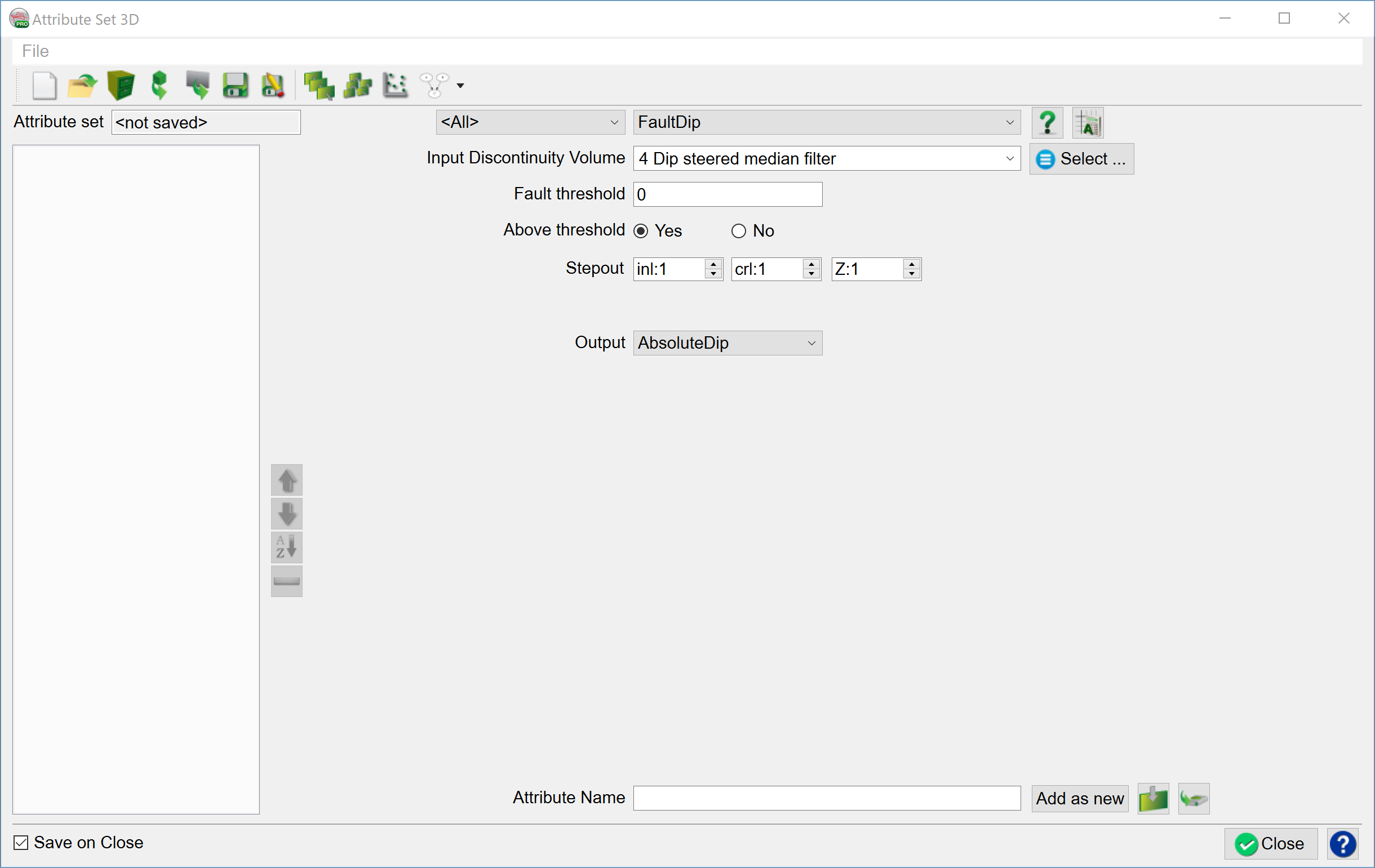
Absolute dip: Fault surface intersects with the horizontal angle
Inline dip: attribute returns the dip along the inline direction as extracted by the steering algorithm. It is the first stored component of the steering cube, in μs/m or mm/m.
Crossline dip: attribute returns the dip along the crossline direction as extracted by the steering algorithm. It is the second stored component of the steering cube, in μs/m or mm/m.
The Azimuth attribute: returns the Azimuth of the dip direction in degrees ranging from -180 to +180. Positive azimuth is defined from the inline in the direction of increasing crossline numbers. Azimuth = 0 indicates that the dip is dipping in the direction of increasing cross-line numbers. Azimuth = 90 indicates that the dip is dipping in the direction of increasing in-line numbers.