2.4.1 Blend Attributes & Faults
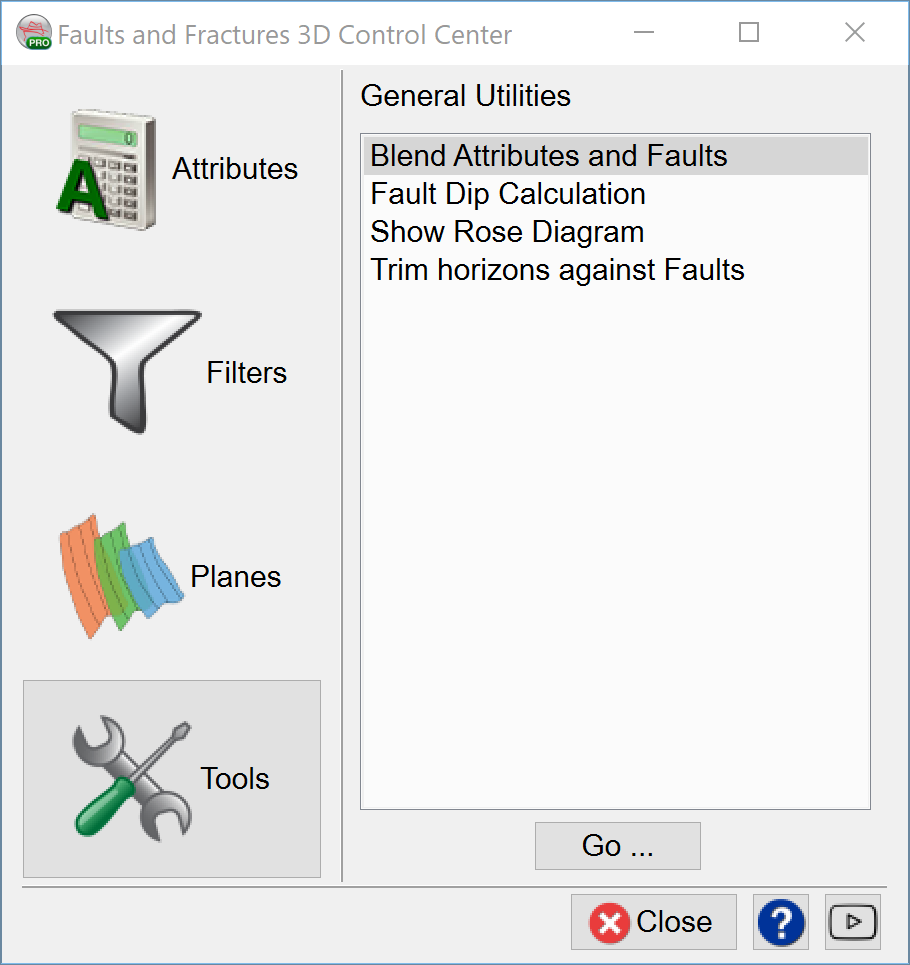
Blend Attributes and Faults is a powerful technique to visualize faults and attributes as one volume. The tool can be started from the Tools menu of the Faults and Fractures Control Center.
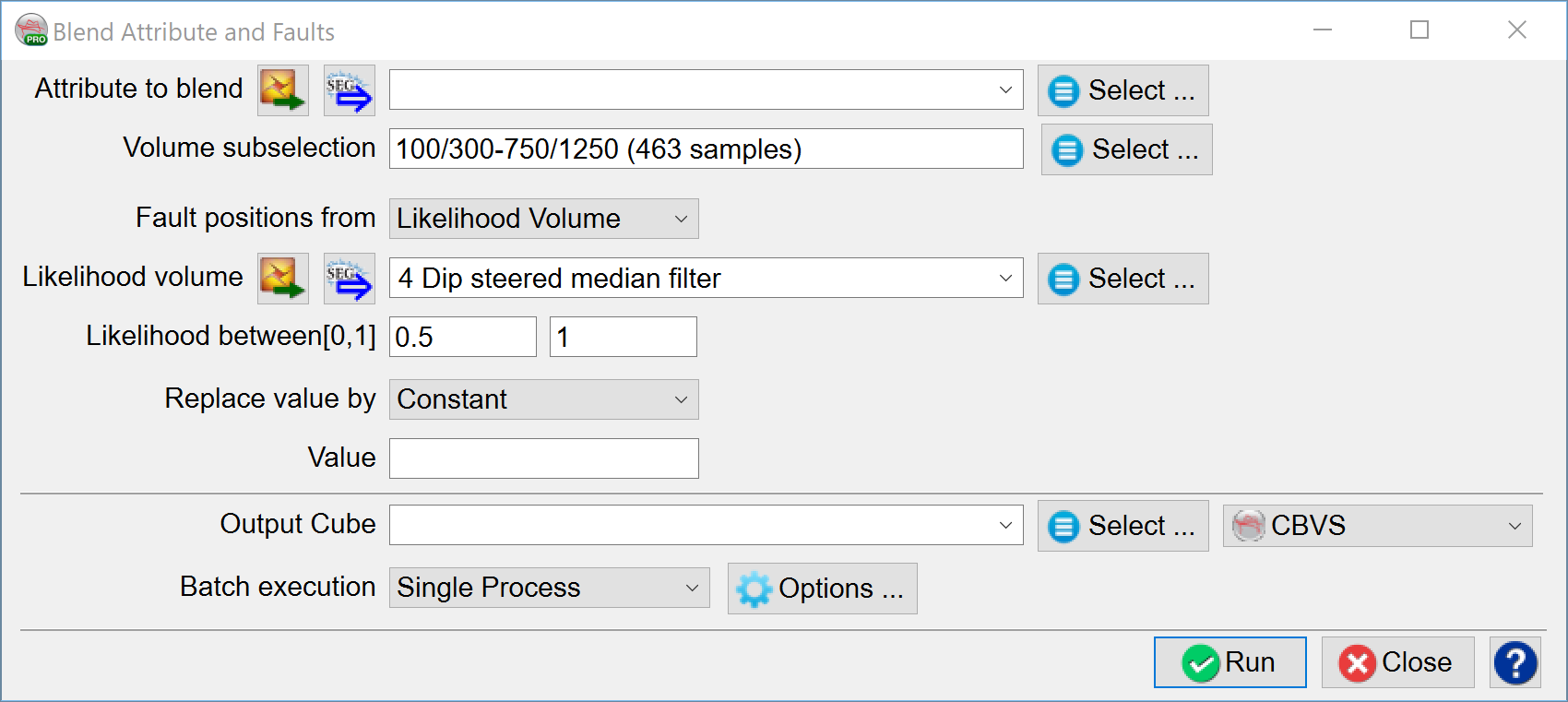
Attribute to blend: Select an attribute to be blended.
Volume sub-selection: To control what area to use, also useful for speeding up the process.
Fault positions from: Two options are available - choose between a Fault Likelihood volume or manually interpreted faults.
Likelihood between [0,1]: If a Fault Likelihood volume is selected, the user needs to define what range of the volume will be blended and replaced by a constant value, from a volume, or by undefined value.
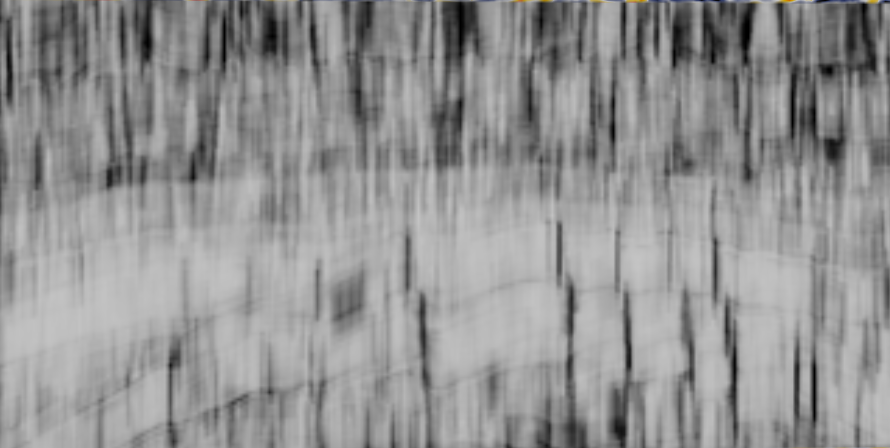
Similarity attribute
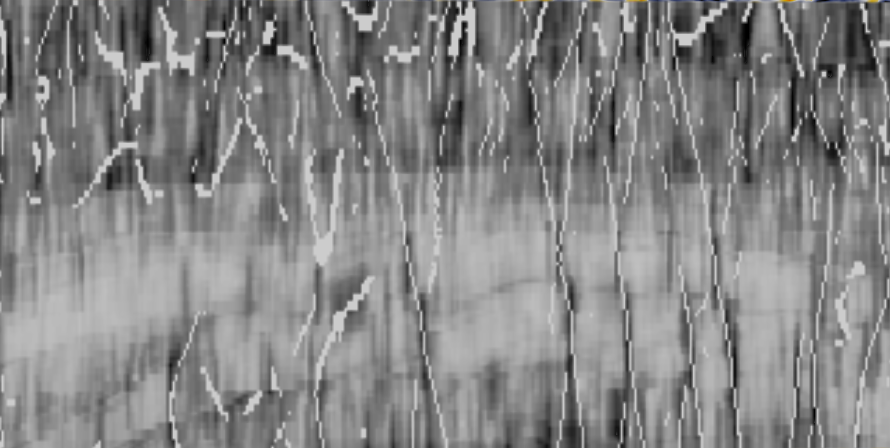
Similarity blended with a TFL volume. Note that only TFL values between 0.5-1 are used here and replaced by the value of 1.
Tip: If you display the original TFL volume over the new blended attribute, and restrict the color bar scale to 0.5-1, the TFL results will be identical to the blended results.