1.1.2.4.2 Import 3D Seismic From Petrel*
Petrel* 3D seismic cube can be accessed in OpendTect by clicking on PetrelDirect insert icon  in the following places:
- Manage 3D Seismics window (Survey > Manage > Seismics > 3D... or click on
 icon in the Manage Data toolbar)
 - Select window when adding a seismic attribute display at In-line/Cross-line/Z-slice/3D Horizon in the 3D scene
- other workflows, including attribute definition and processing, etc.
Select Seismic Cube window allows to select 3D seismic data from Petrel* project and create either Link to Petrel* or OpendTect Copy. The tree view and the drop-down menus offer alternative ways to select data from a Petrel* project.
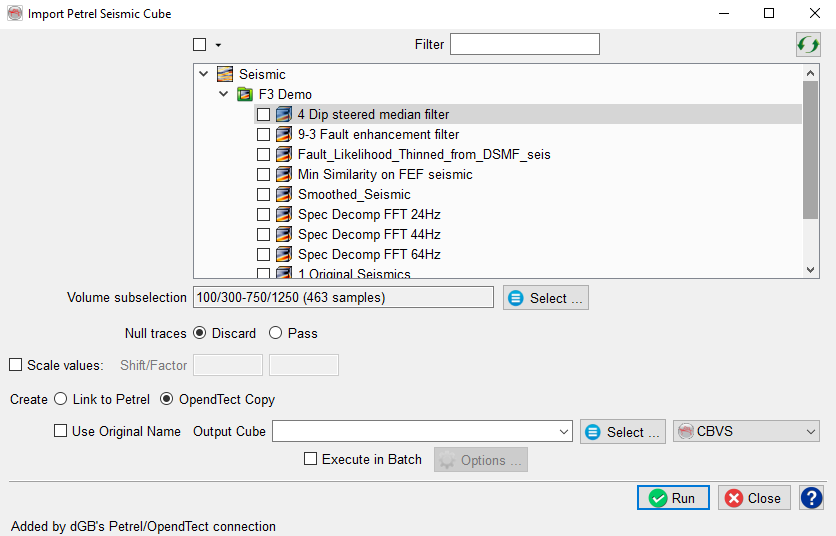
Seismic Cube Import User Interface
Petrel* 3D seismic cube must have the same geometry as OpendTect survey set up. The easiest way to achieve this is to Get survey set up from Petrel* when setting up a survey and choose an appropriate Petrel* seismic survey folder as the geometry source.
*is a mark of Schlumberger.