8.3.6 Export Synthetic Dataset
The synthetic seismic data (both poststack and prestack), the layer property synthetics in Time (e.g. AI, Density etc.) and the stratigraphic levels/markers, from all modeling modules (i.e. Basic, Profile and Stochastic) can be exported along 2D lines. The stratigraphic levels/markers in the modeled pseudo-wells are essentially exported as 2D horizons. This is achieved by clicking on the  icon at the top right of the modeling window (see below).

Export of the synthetics can be done onto an already existing 2D line or a new line created on the fly.
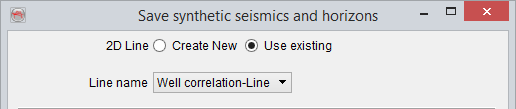
Selecting an existing 2D line
If the 2D line is created on the fly, the Geometry for line has to be defined as well. It can be done by defining a straight line between two X-Y coordinate pairs.
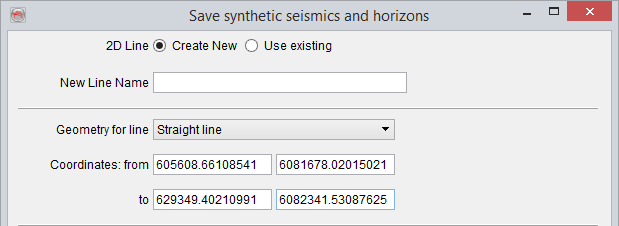
Creating a straight 2D line between two X-Y coordinate pairs
The 2D line can also be created, on the fly, along an existing polygon.
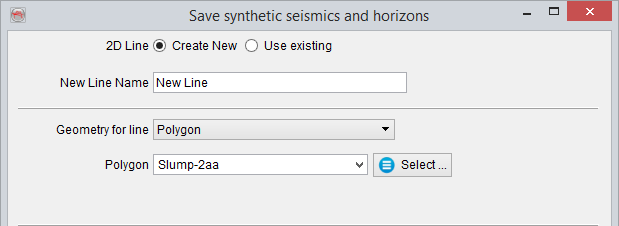
Creating a 2D line along a polygon
Finally, the 2D line can also be created along an existing random line.
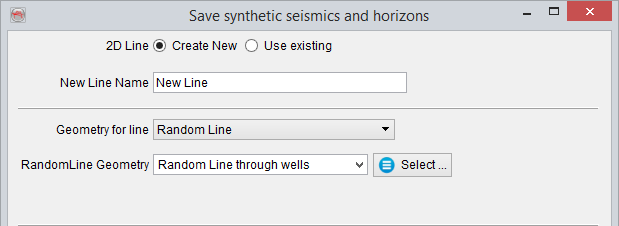
Creating a 2D line along a random line
Now, a selection on poststack data, 2D horizons and prestack data can be made for exporting along the 2D line.
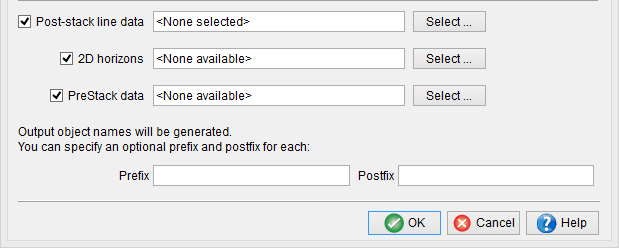
For poststack data, user can select synthetic seismic and various layer property synthetics (e.g. Acoustic Impedance, Density etc.).
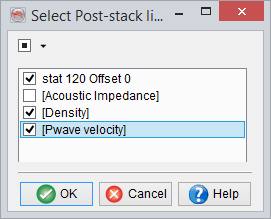
Poststack data selection for export
Similarly for 2D horizons, various levels present in the pseudo-wells can be selected.
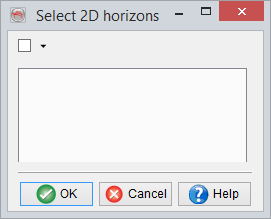
2D horizon data selection for export
and finally (if any) prestack data can be selected.
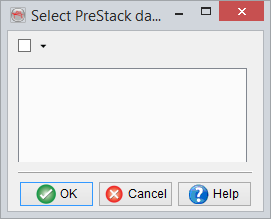
Prestack data selection for export
Optionally, a prefix and/or postfix can be specified for various data items. Pressing Ok will export the selected data items along the 2D line.