5.1.6 Import an Attribute Set from
Attributes are primarily stored in attribute set files of extension .attr Attribute definitions can also be found in the parameter files of a processing job when an attribute was used to process a volume or data set.
It is possible to import the attribute set of an attribute file from the menu: File > Import set from file. Existing attributes are stored in the Attribs folder of each survey. Optionally, attributes from another survey may also be imported: File > Import set. or by using 
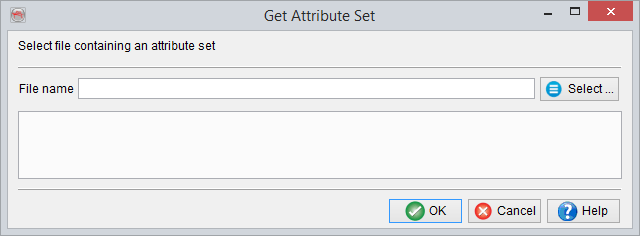
Import set from file
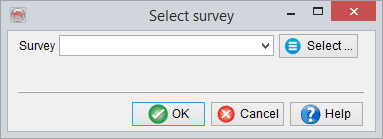
Import set from another survey
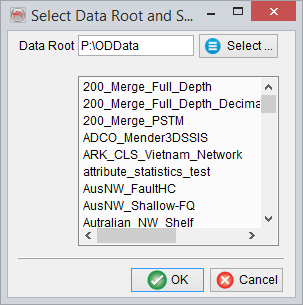
Pressing select in the above window brings the user here:
It is also possible to re-create the attribute set of existing processing file in the menu: File > Reconstruct set from job file... (or  ) brings the user here:

Existing jobs are stored in the Proc folder of each survey, with the extension par. There are two options available to reconstruct the attributes definition: from an existing par-file or from a created cube file. In first case (from par-file) select the input parameter (*.par) file. In second case (find from created cube), another window pops-up in which the input volume and the corresponding parameter file are selected. The file name is found automatically.
Pressing 'Find from created cube...' will open up this search/select window:

Finds the attribute set from an existing (created) cube, which was calculated inside OpendTect.
When importing, new input volumes must be selected to replace the references stored in the input files.