5.2 Volume Builder Setup
The volume builder  setup is used to apply volume-based operations, unlike the attributes that work trace-by-trace. The setup is launched via the Analysis > Volume Builder menu. The setup is a very useful tool for gridding velocities or other rock properties.
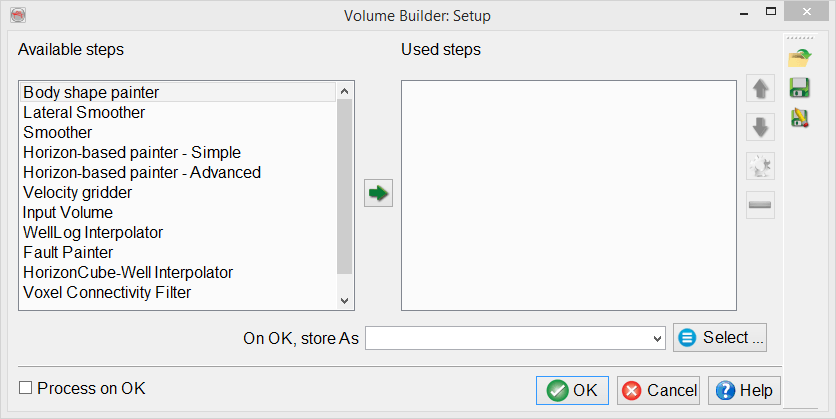
The volume builder setup window contains several available steps that are applied sequentially to generate a volume. Any particular step can be selected from the Available steps by double-clicking on it. The later steps may replace the earlier ones, therefore care must be taken when ordering and setting up the workflow.
Once your workflow is defined, you will need to save this setup. This can be done by writing the name of your setup.
The computation and storage of a volume processing setup can be found under OpendTect's Processing menu: Processing > Create Seismic Output > Volume Builder...