2.2.3.1 Take Snapshots
 It is possible to take different kinds of snapshots in OpendTect. Three options are available: Scene, Window, and Desktop.
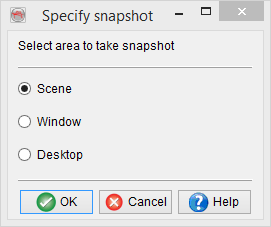
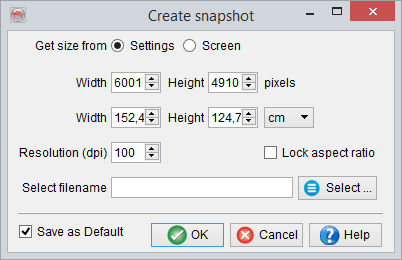
The Scene option allows the user to grab the displayed (selected) scene within OpendTect.The OSG (OpenSceneGraph) 3D library is used, allowing the output picture to have a higher resolution than the screen resolution. Every element displayed in the scene will be in the output picture, including the annotations (color bar, orientation etc) if displayed. Any overlapping windows will be neglected.
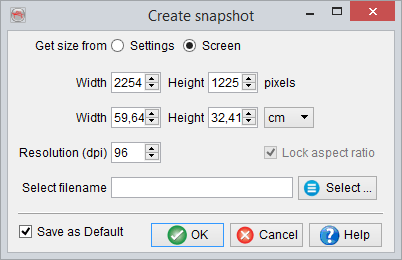
You can change the image properties e.g. height, width, resolution etc. If you save the settings, they will appear by default in all sessions next time you grab new snapshots. The 'Screen' parameters correspond to the parameters of the picture as displayed on your screen.
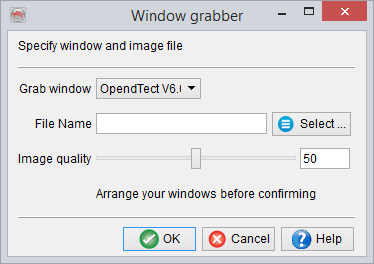
The Window option grabs the whole window, including the sidebars. It can be either the main window or any 2D viewer opened when the snapshot button was pressed.
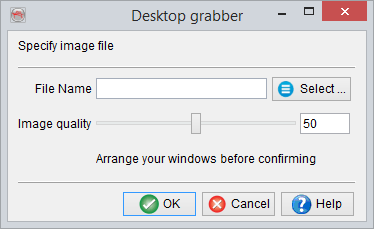
The Desktop option is similar and will snap the entire user desktop. Both options use the Qt library for grabbing the picture. As a result the output is limited to the actual screen resolution, and overlapping windows will appear on the snapshot.