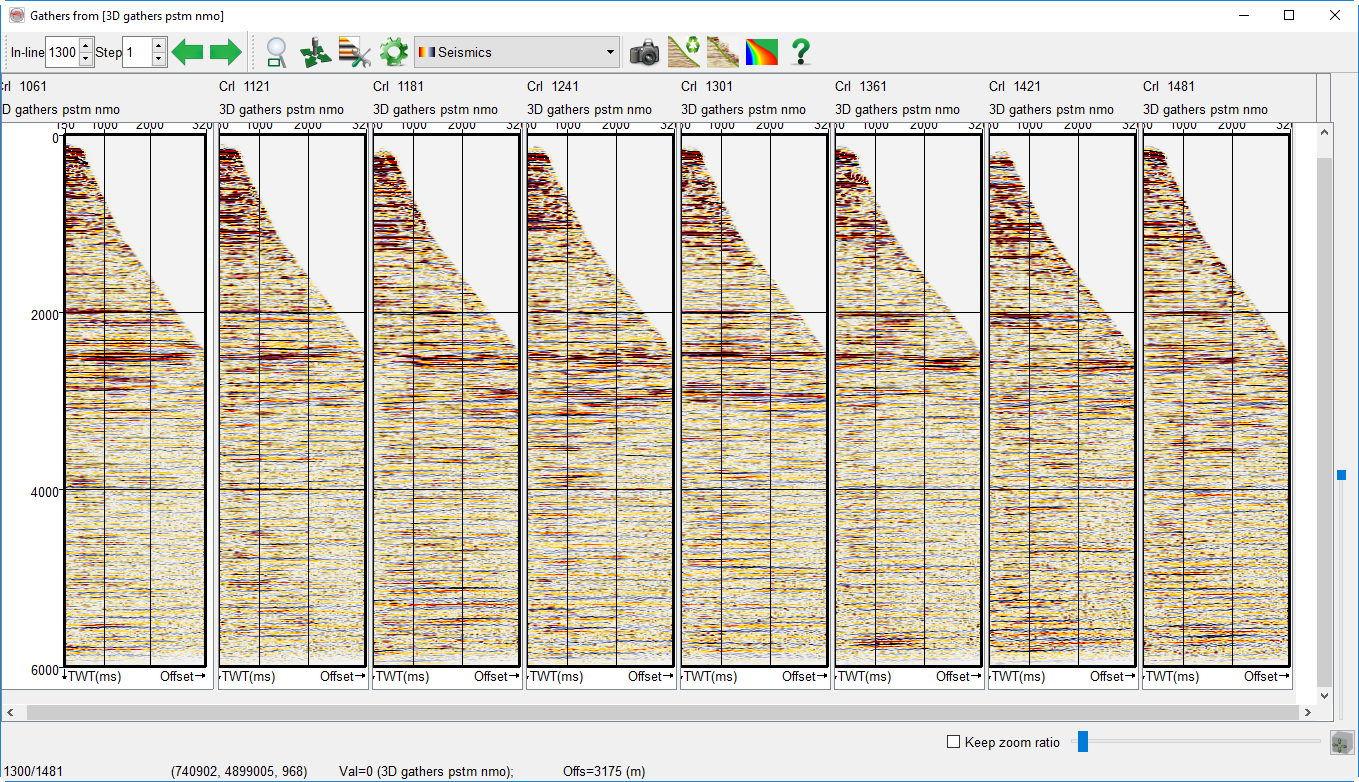
2.6.1 Pre-Stack 2D Viewer
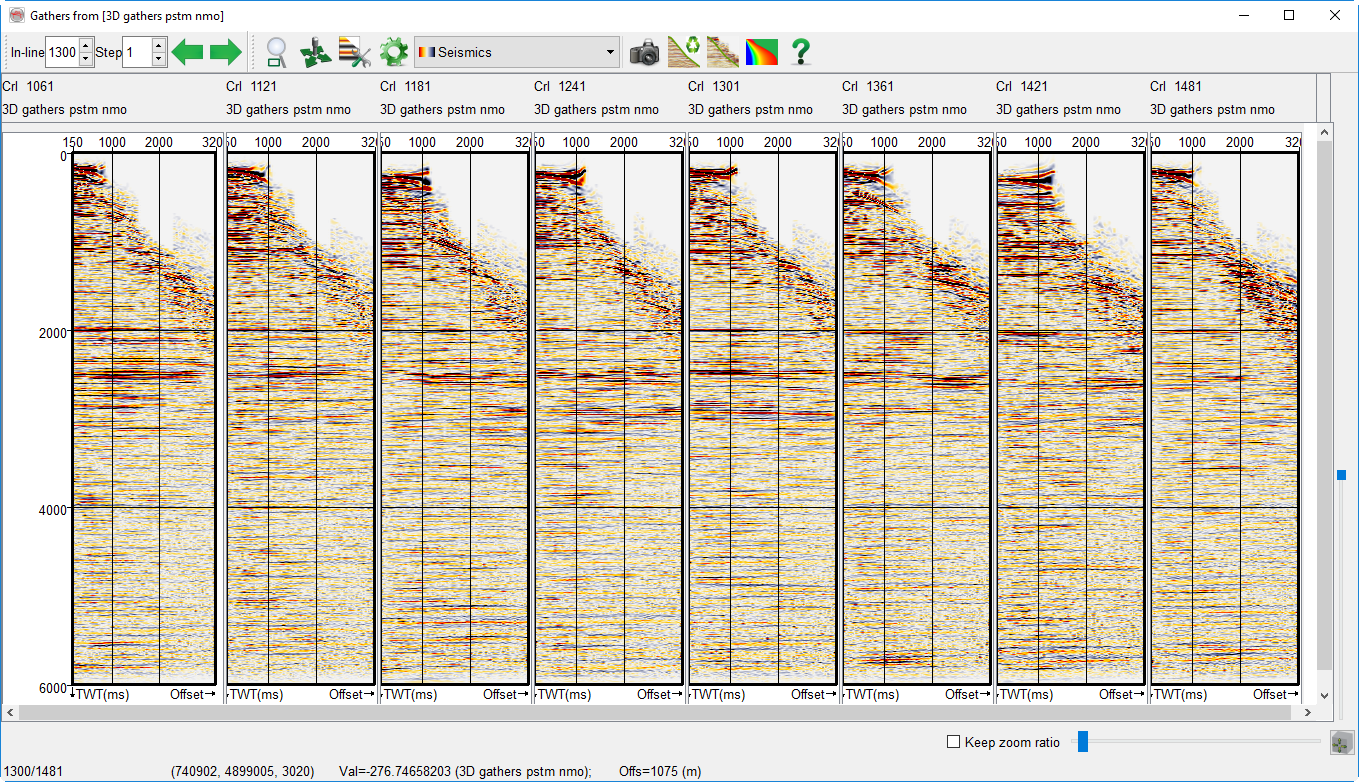
In this window one or several prestack dataset can be viewed simultaneously. In this viewer you can:
- Display gathers from one datastore at different locations.
- Display gathers from different datastores side by side.
- Use the two modes above in combination.
- Display mute definitions that were either imported or computed before starting the viewer.
- Apply a pre-processing on the gathers: AGC, application of the mute functions (stored or computed on the fly), ...
- Display an angle gather by providing the corresponding velocity model using a stored cube.
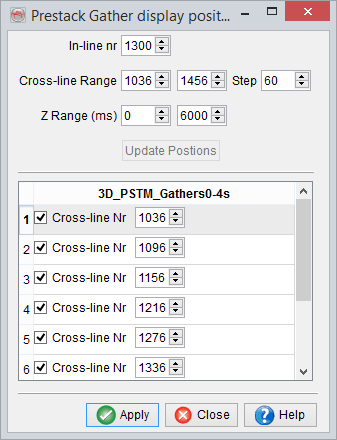
Gathers position selection
You can set the gathers to be displayed from this window. The top part is used to set a grid of regular positions from provided ranges. Keep in mind that you can get another 2D prestack viewer if you wish to have data from several inlines. From this regular grid, you set the position where gathers should be displayed. You can also manually change a crossline number. Press Apply to reload the view.
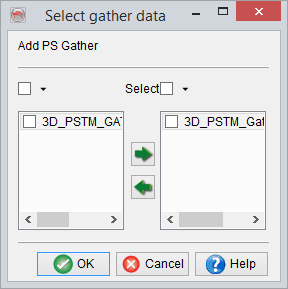
Selection of several datasets
Multiple gathers can also be added together in the 2D panels by pressing this  icon.
icon.
Display of angle gathers 
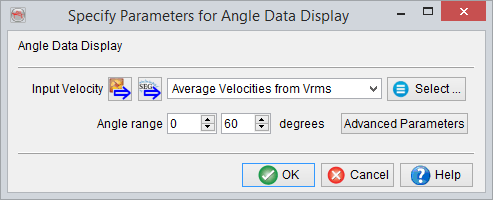
In this window you can set the parameters for creating the angle gather that corresponds to the prestack datastore. For each sample of the input seismic prestack gather, the incidence angle in degrees will be computed and color-coded with the rainbow colorbar. The seismic data will then switch automatically to wiggle display.
Example of prestack gathers (wiggle) with a mute functions, and the corresponding angle gather on the background: