3.7 Horizon
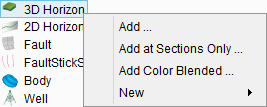
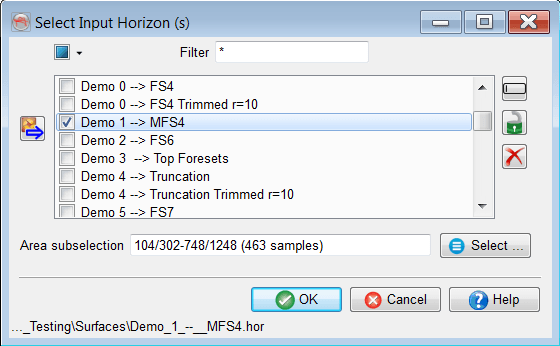
An existing horizon can be displayed in the scene by selecting Add option from the pop-up menu (see above). It will launch a horizon selector window from which multiple horizons can be selected. See also
Once at least one horizon is displayed, there is an addition to the pop-out menu, Display All, which contains several options: only at sections, in full or both at sections and in full. Only at sections results in a horizon display (as a line) on the inline/crossline/timeslice. Full displays the complete horizon in 3D space.
Track new sub menu is used to start a new horizon interpretation.
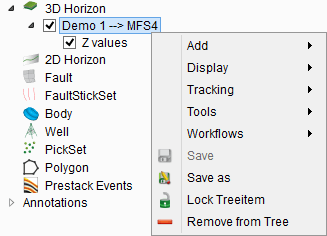
The popup menu from a displayed horizon has several options, which are covered in the following sections: