3.7.4 Display Contours
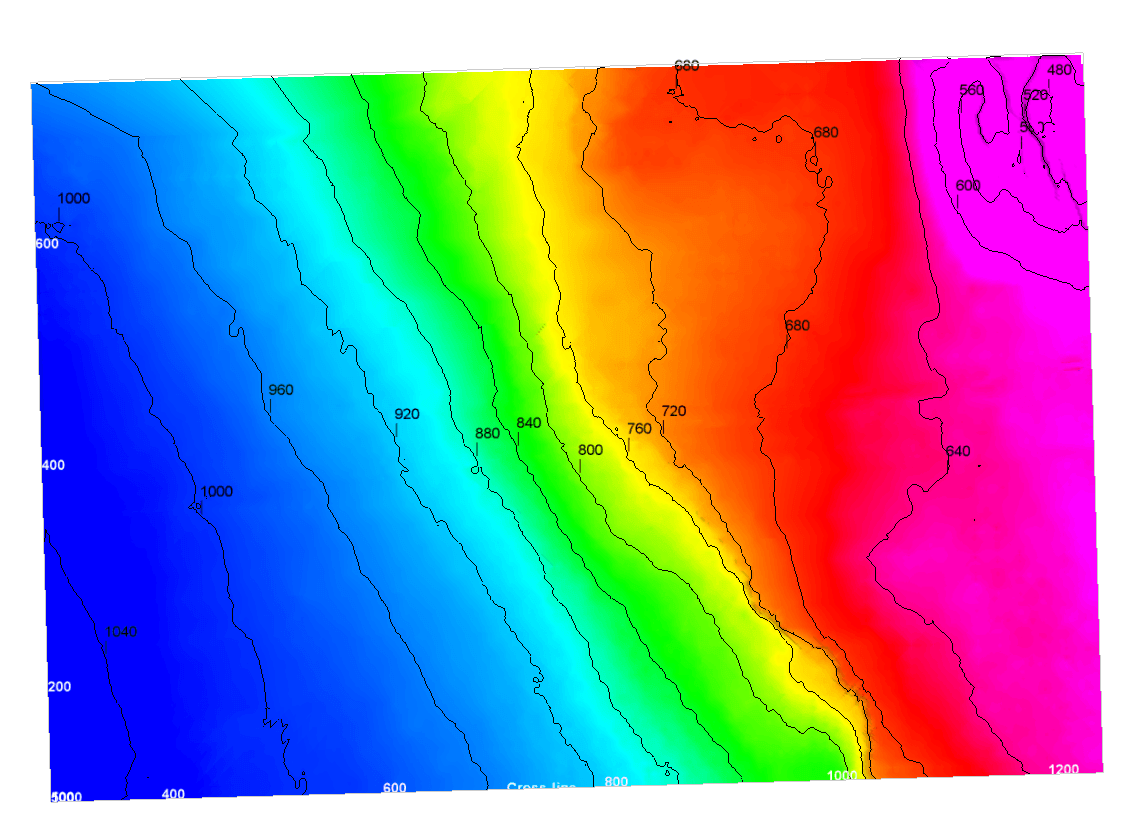
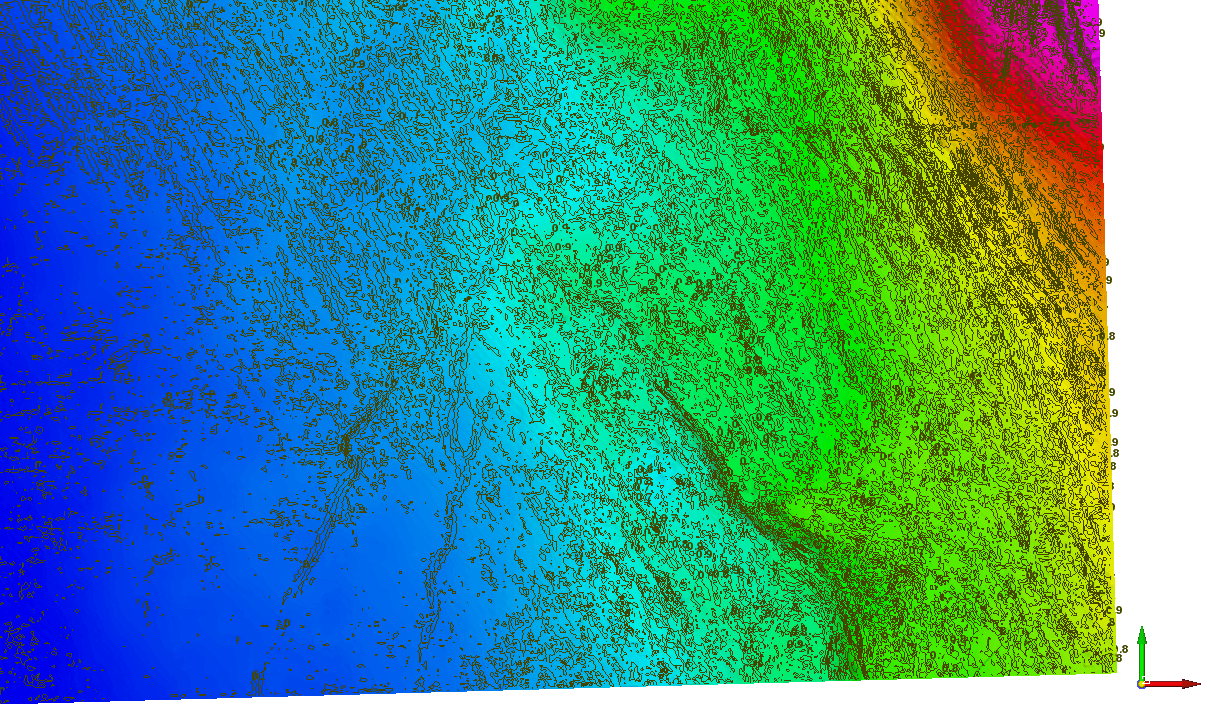
Add Contour Display: This option displays the contour on the horizon. That the contour step (interval) is automatically calculated but can be edited at any time. The input for the contour display can be either a reference Z or any surface attribute like Similarity, Energy, Dip etc ...
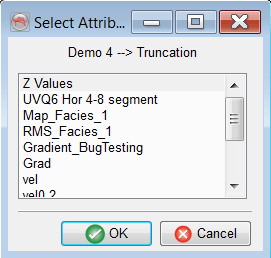
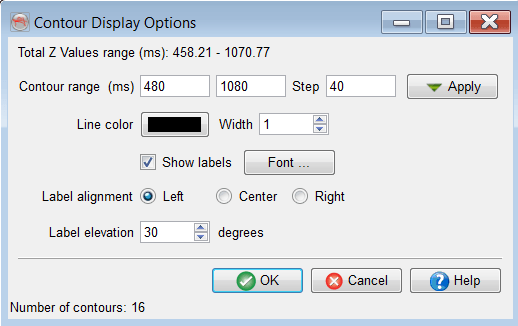
The contours properties can be manipulated by right-clicking on the Contour attribute in the horizon element.
A user can adjust contour range/index, color and line thickness.
The images below show a horizon with both reference Z and Similarity contours, respectively: