3.4.6 Interactive Mode
This option is launched via right-clicking on Random line > New > Interactive...
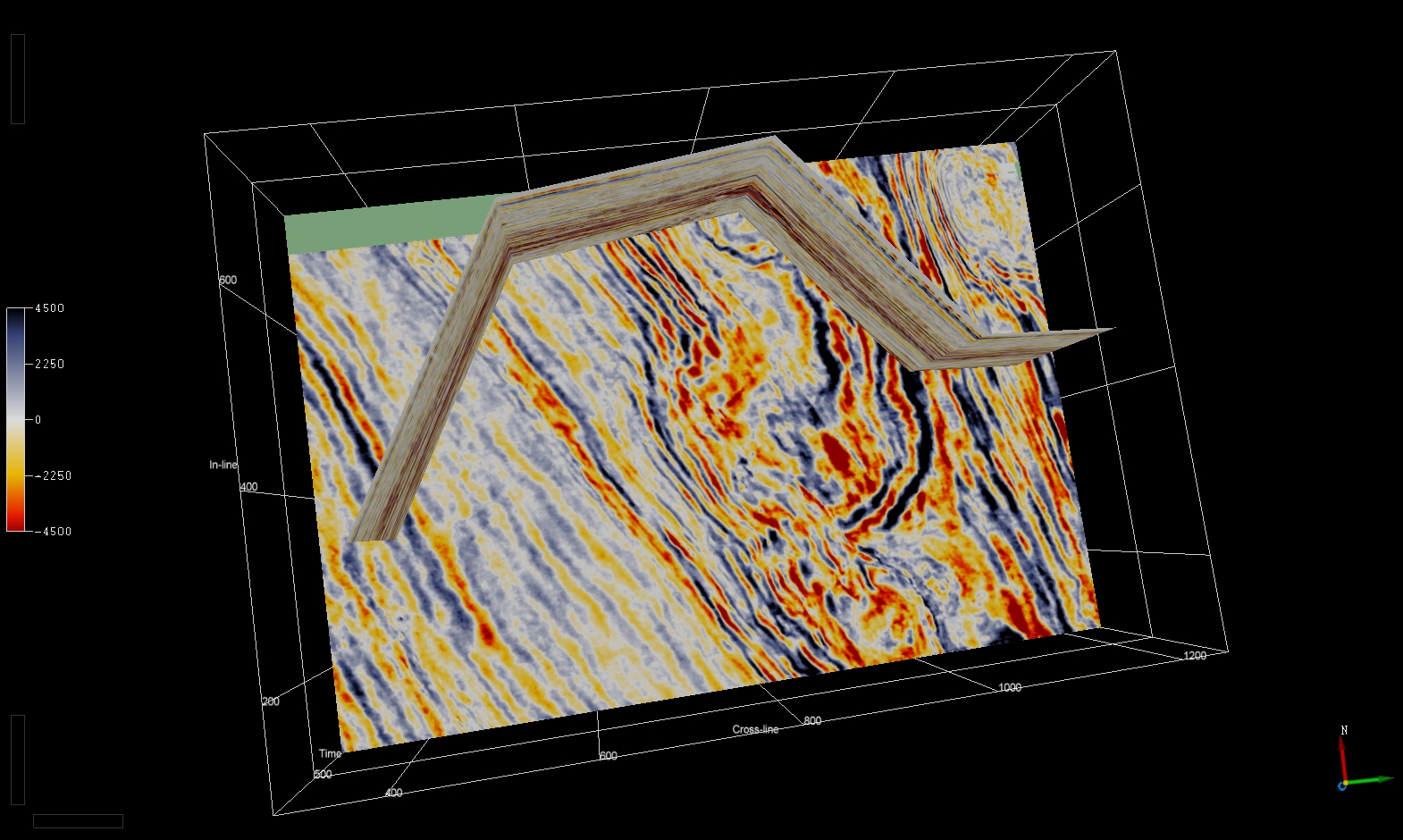
This allows the user to create random line from interactive mode. A horizon or Z slice is first loaded in the scene, then a random line can be created by picking nodes.
A window pops up asking the user to create a randomline from Polyline.
The user can now pick nodes on Z -slices or Horizons, as shown below:
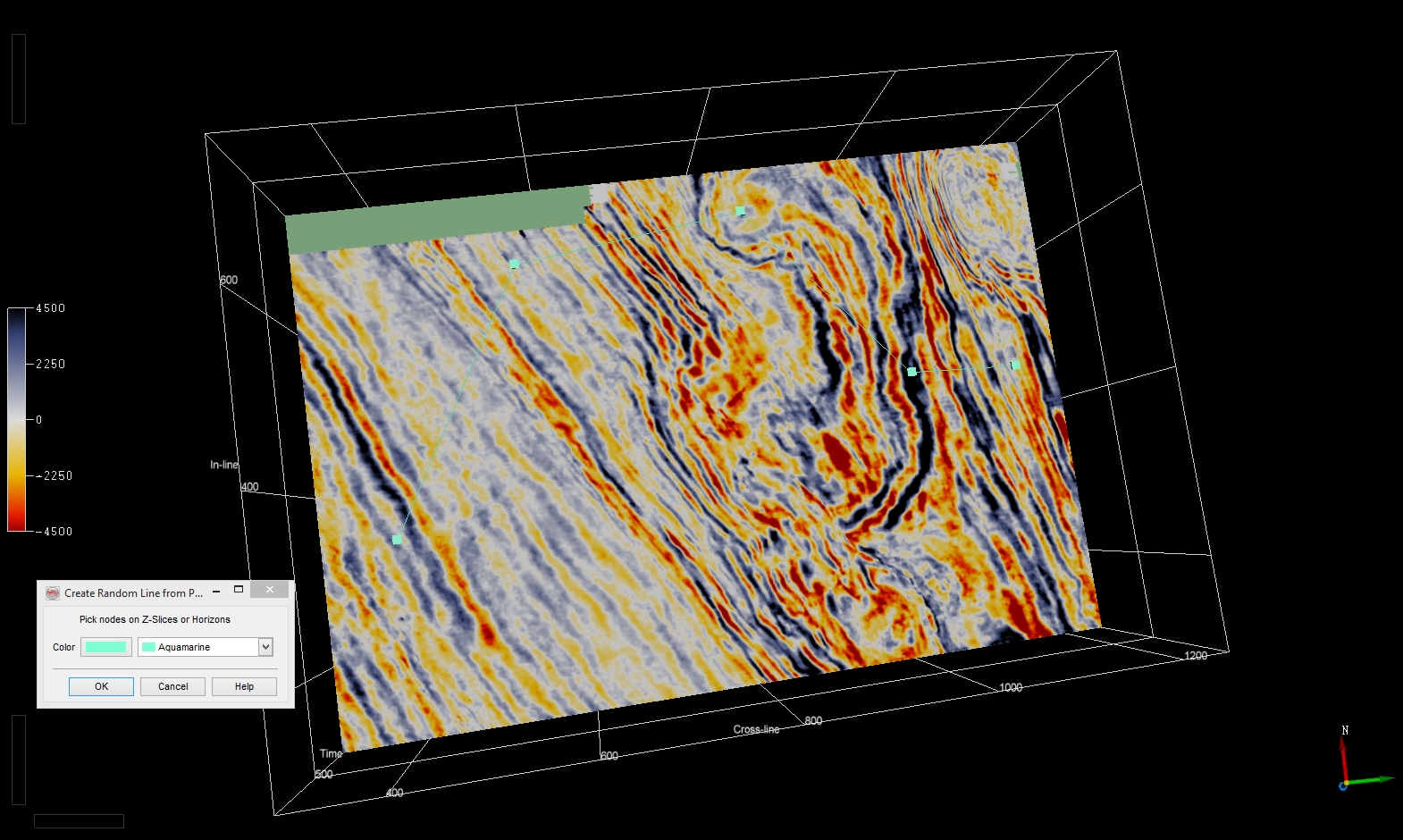
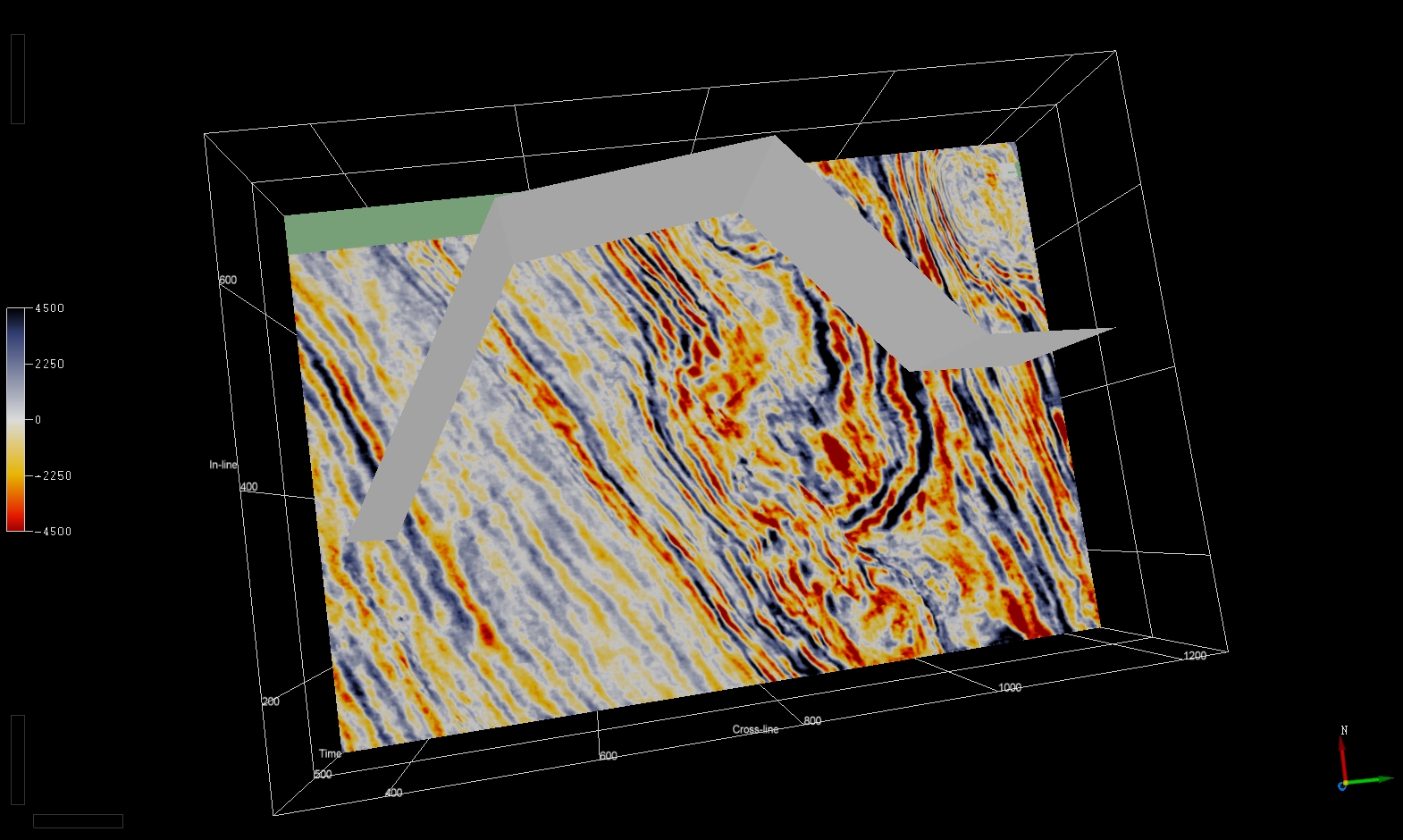
After clicking OK, a random line is created:
An attribute can then be displayed: