6.6.3 Batch Log File
A batch log file is produced for every volume output run. The information is streamed to a file if the batch job is executed on a remote computer. If the processing is done locally the log file is either streamed to a new, dedicated window, or to the standard output window. Every N traces the program will output a symbol to reflect the progress. There are five symbols the program can use. Which symbol it uses depends on the speed in number of traces times N per sec (given towards the end of a line in brackets after the percentage of traces processed) and the estimated remaining time until completion. The symbols indicate the following:
- a period (.) means 1 trace processed
- a colon (:) means 10 traces processed
- an equal sign (=) means 100 traces processed
- a pipe marker (|) means 1000 traces processed
- an asterisk (*) means 10000 traces processed
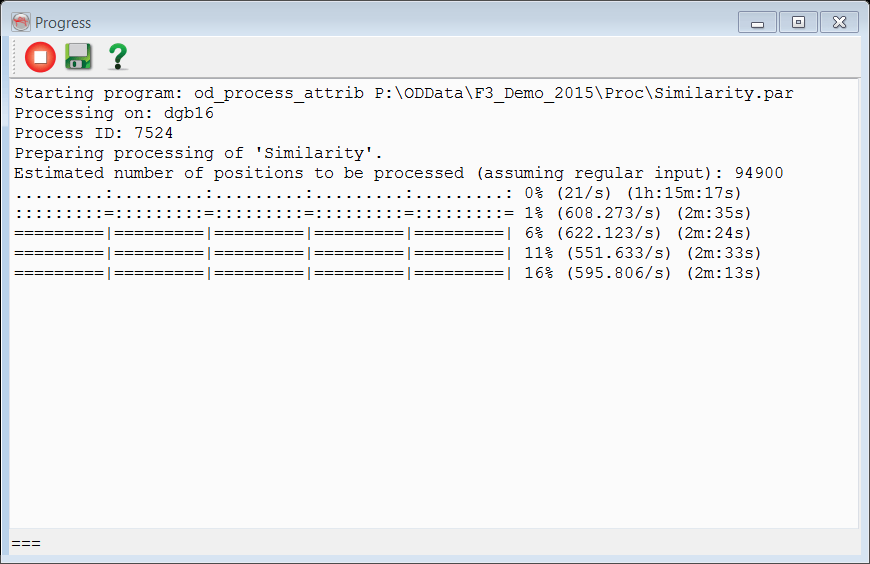
The following options are available:
 Stops the process.
 Saves the log file.
 Brings you to the help menu.