7.1 Time- and Depth-Converted Scenes
OpendTect can display time data in the depth domain and depth data in the time domain.
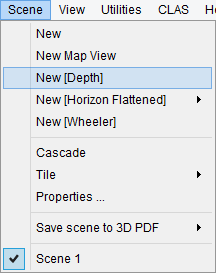
This is done using a user-selected velocity volume and computing the new Z range (depth or time) based on the original Z range (time or depth respectively). In all transformed scenes each and every display elements is re-positioned on-the-fly.
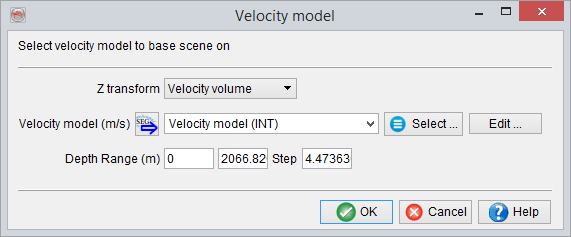
Pressing 'Create' will pop up a dialog that allows you to specify the velocity type for a given volume:
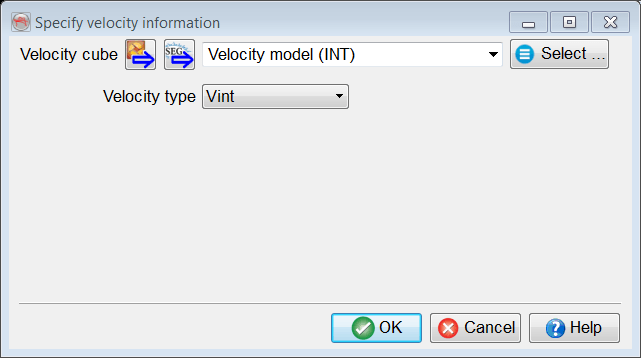
(See Tagged Seismic Data for more detail.)
The only exception is 3D volume for which the on-the-fly transformation can be slow. Therefore time volumes can be depth converted (i.e. they become stored volumes) using an additional option in the right-click option of inlines and crossline, in the transformed scene:
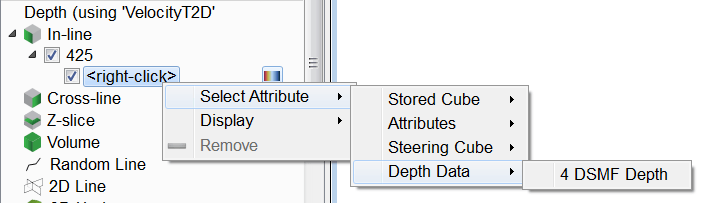
Please note that depth-stored volumes can also be imported via SEG-Y by settings the appropriate tag in the SEG-Y import wizard.