4.5.2.1 Body Operator
The body operator, accessed from the  icon in the Bodies manager, enables to perform various operations on a geological body (or combinations thereof), as listed below.
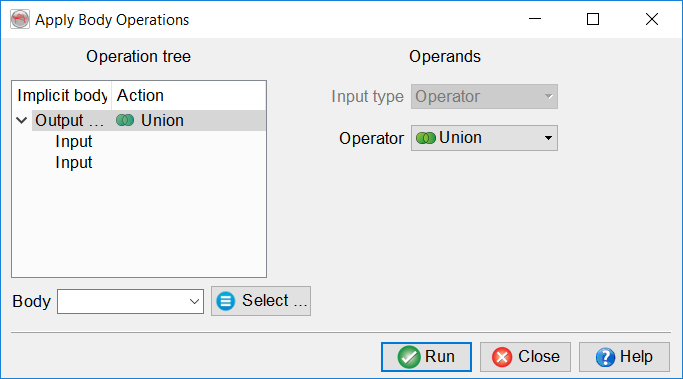
For all the operators, click on the Input to select either a saved body or create a body using an operator. Each operation needs 2 inputs. You can combine more than one input using an operator as input. After giving a name to the new body, it will be created after clicking on Run.
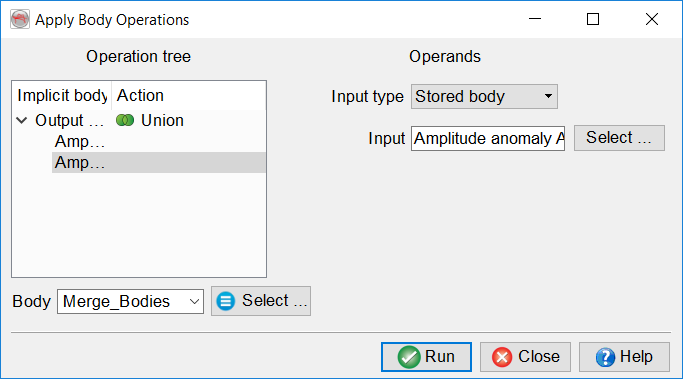
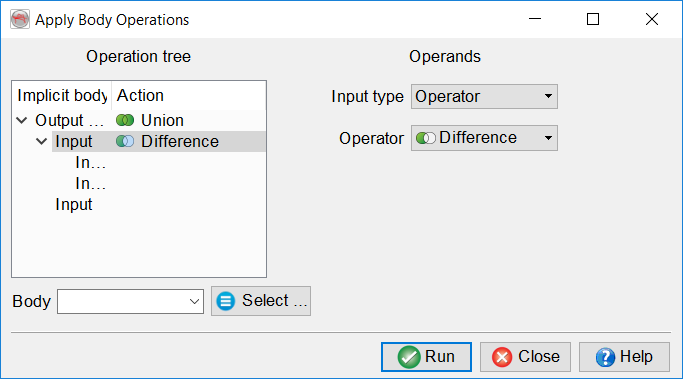
Union
You can merge two or more bodies using the union operator as in the figure below:
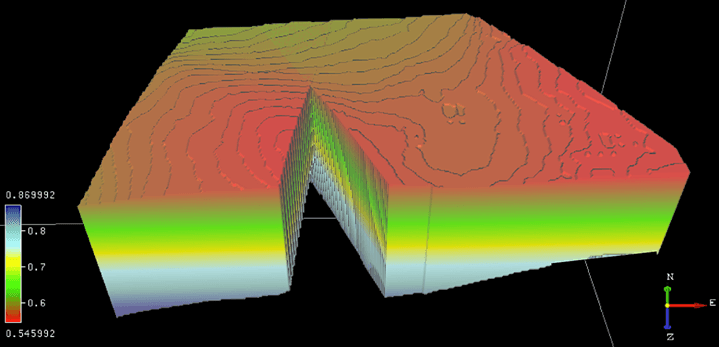
The result of the 'Intersection' operation.
Intersection
If you want to create a body from the shared portion of two bodies, you can use the intersection operator.
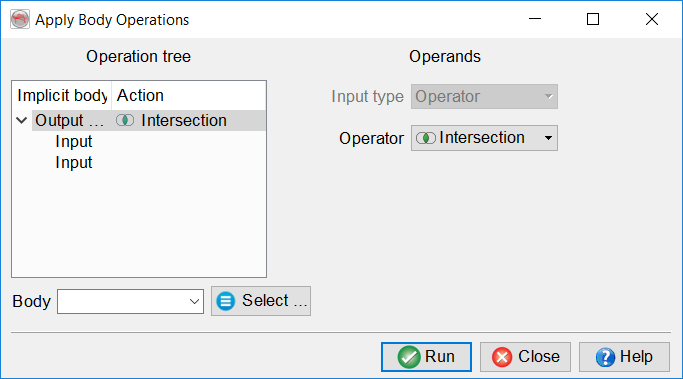
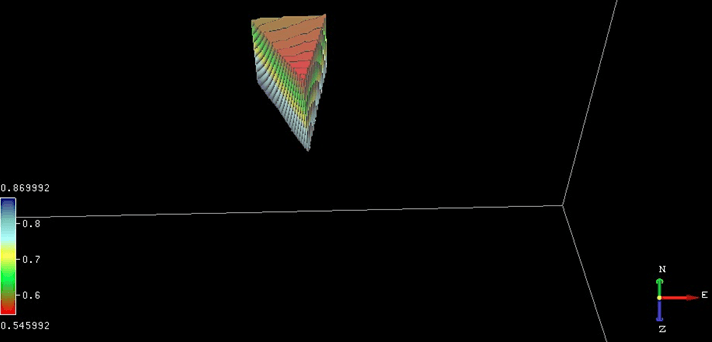
The result of the 'Intersection' operation.
Difference
If the operator is Difference, the output will be a result of the subtraction Input1-Input2.
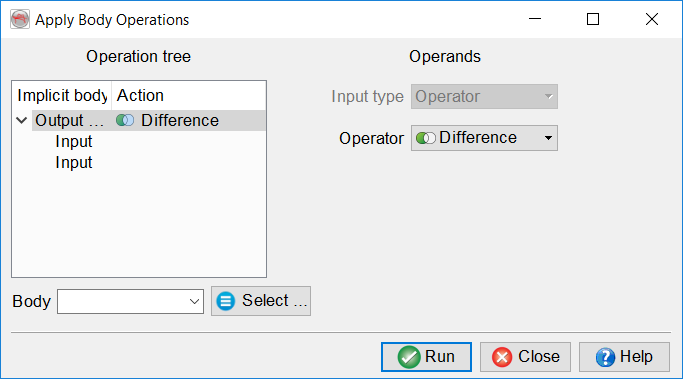
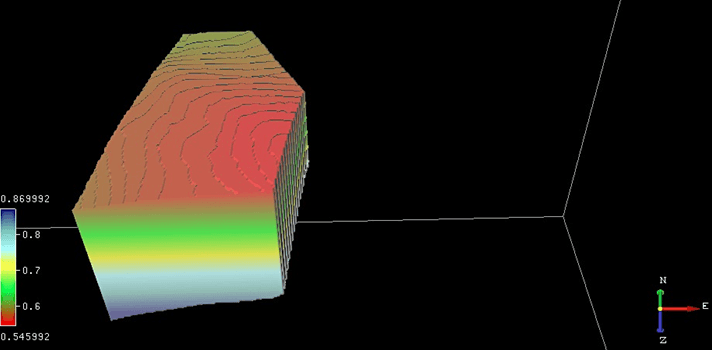
The result of the 'Difference' operation (the final body is the volume resulting from Body 2 minus Body 1).