4.5.12.1 Manage 3D Seismic Data
The 3D Seismic file management window lists poststack volumes loaded in the survey. Information related to the selected volume is displayed in the central field and personal/survey-related notes can be added and saved in the bottom field.
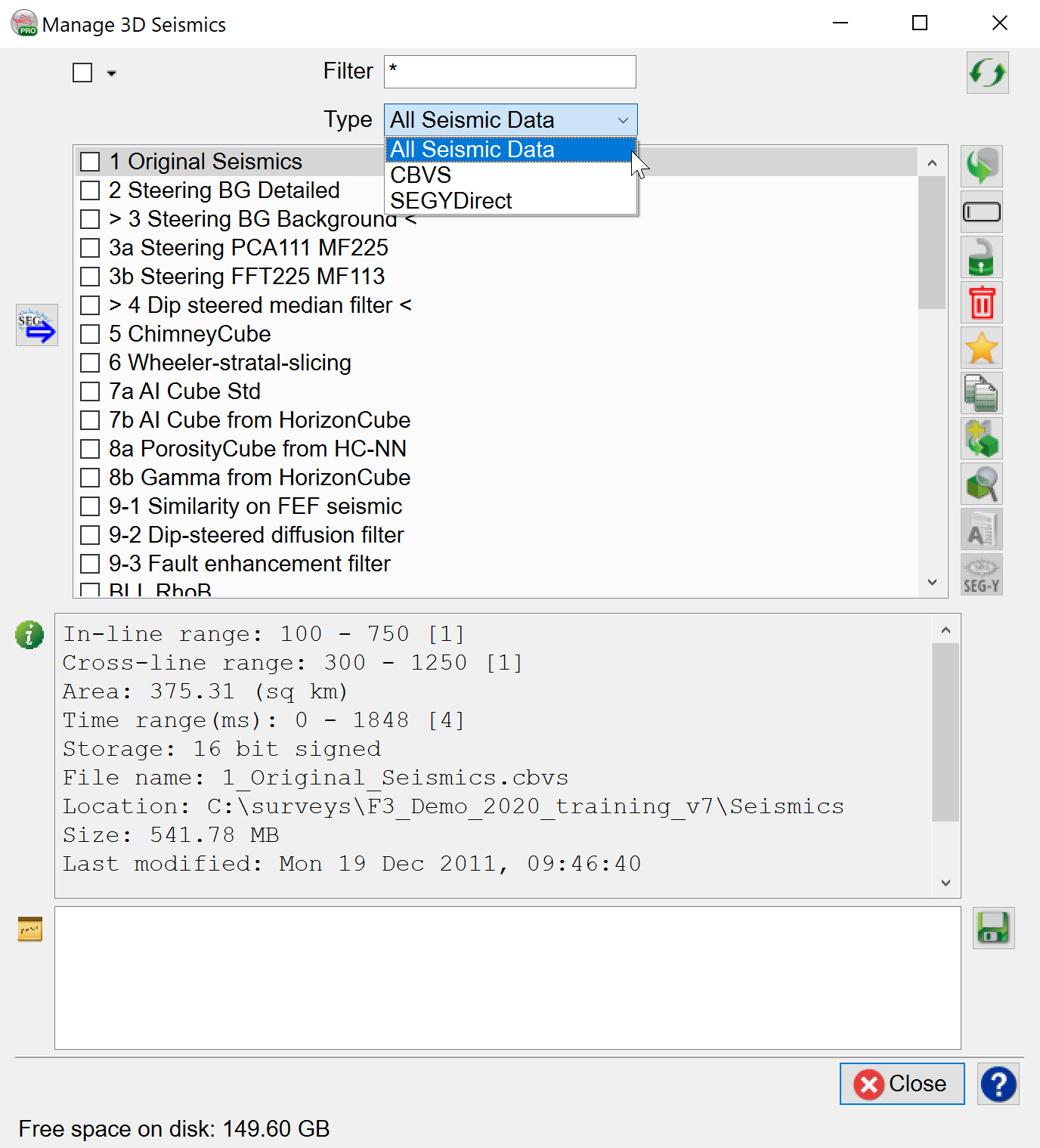
Alongside the standard actions (change disk location, rename, remove etc), the user may also  Copy the volume to another volume (different size, format, sampling rate, ...),
  Merge several overlapping or consecutive volumes and/or
  Browse in the file.