4.5.16 Manage Wavelets
This window is available from the Survey > Manage > Wavelets... menu and from the  icon. It provides management tools for wavelets. The left panel shows the available wavelets. The selected wavelet is visualized on the right panel. The storage information of the active wavelet is shown in the lower panel.

The following actions can be performed:
The Filter is used to filter-out the objects with selected names. For instance, to display all wavelets that start with letter W use "W*".
Options:
Alongside the standard 'Manage' options (Rename, Lock, Remove and Set as Default), you may also, via this window:
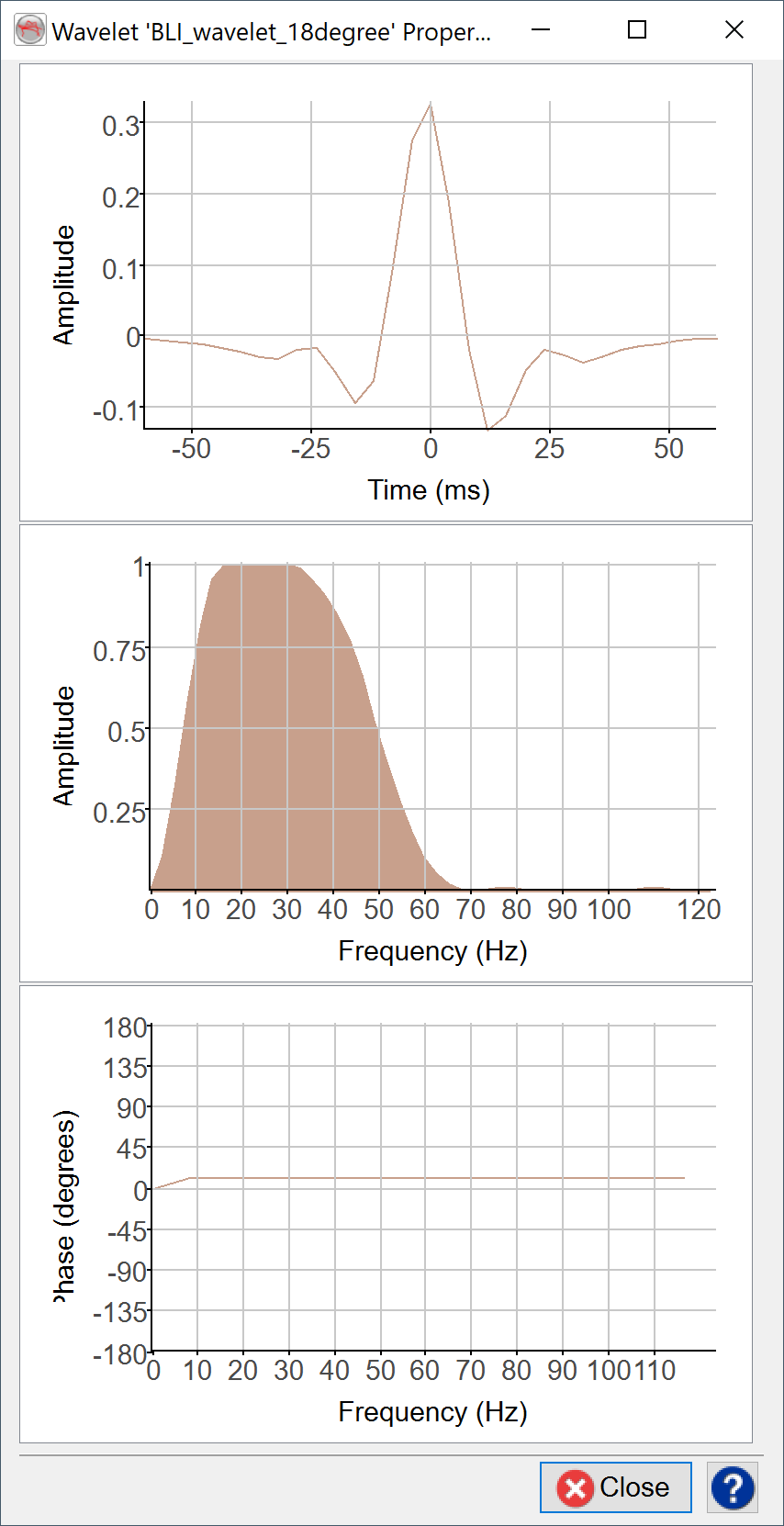
Display a wavelet's properties dialog:
Change polarity
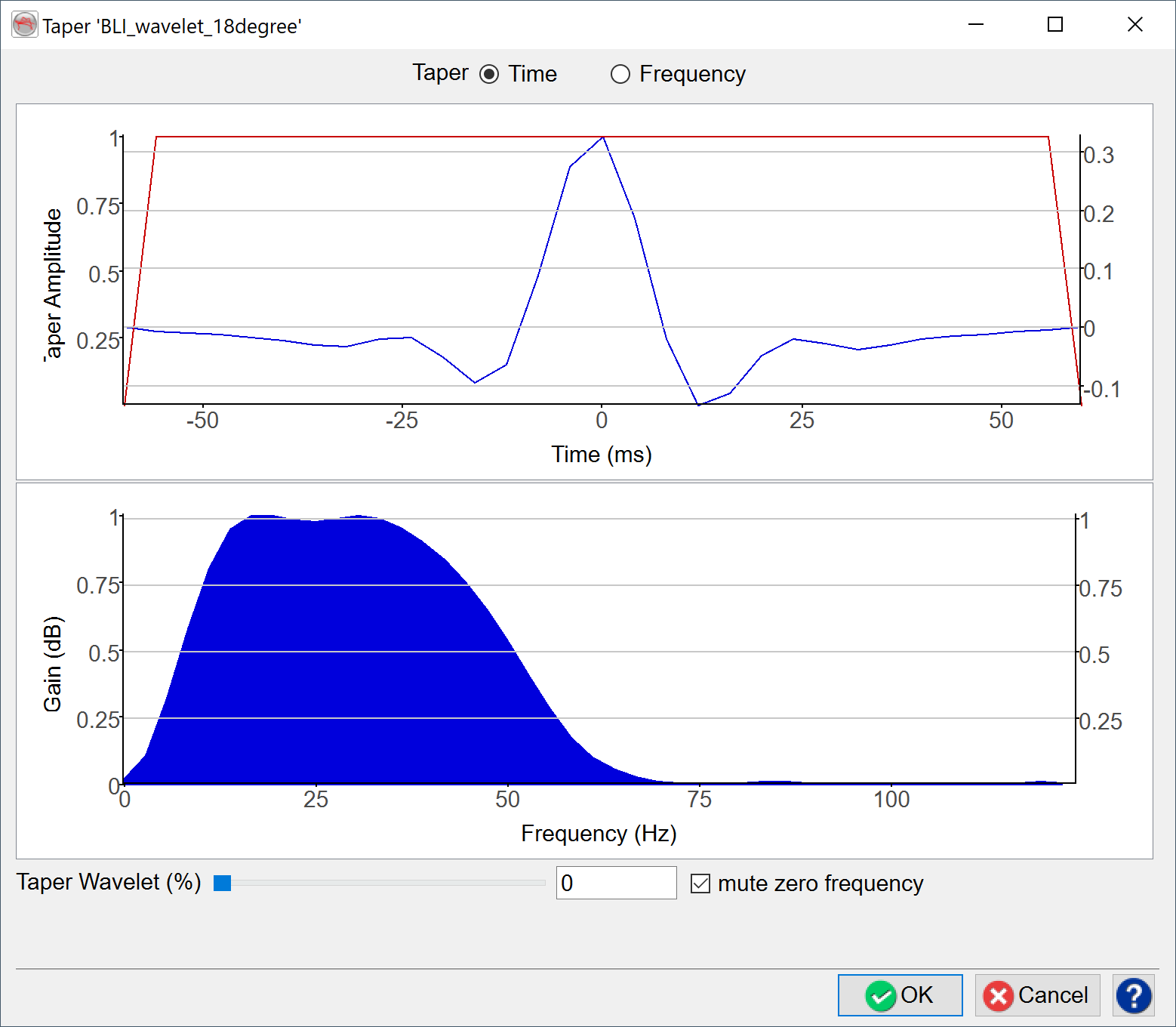
Manually rotate a wavelet

COLOP: Design an operator for coloured inversion, spectral blueing and spectral whitening.
Additional options are available below the list of Wavelets:
 Import a wavelet from another survey
 Import a Wavelet from an ASCII file
 Create a wavelet of type Ricker or Sinc
 Stack Wavelets
 Extract Wavelet from 2D or 3D data