4.1.3 Edit Survey Window
To launch the survey setup window select Edit in the survey selection window. The following window will appear on your screen:
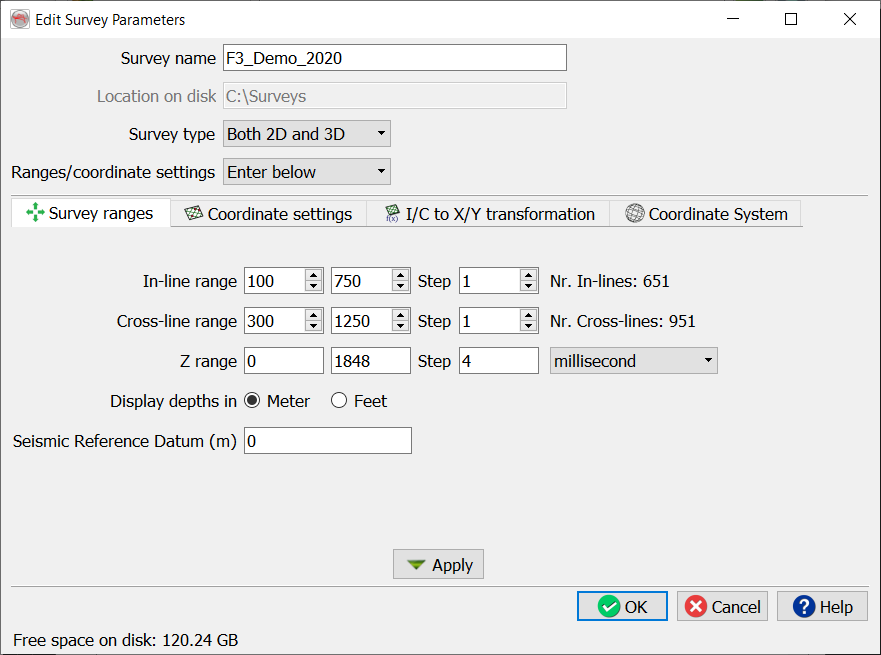
All fields must be completed.
Survey name: In the text area specify the OpendTect survey name.
Location on disk: Specify a directory on disk where the OpendTect survey would be stored. The directory would be turned in to the OpendTect survey location.
Survey type: For the survey type, there are three options:
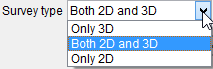
Select only 3D, if the survey contains only 3D data. Select both 2D and 3D, if the survey contains both 2D and 3D data. If the survey contains only 2D type data set, select only 2D. Selection type here affects the tree structure and what functions are available to you in the survey.
Ranges/Coordinate settings are described in the following sections.