4.1.3.2.1 Coordinate Reference System
OpendTect supports only orthogonal coordinates.
The Coordinate System of an OpendTect project can be defined in one of the three ways and will be applied to all data imported into the project:
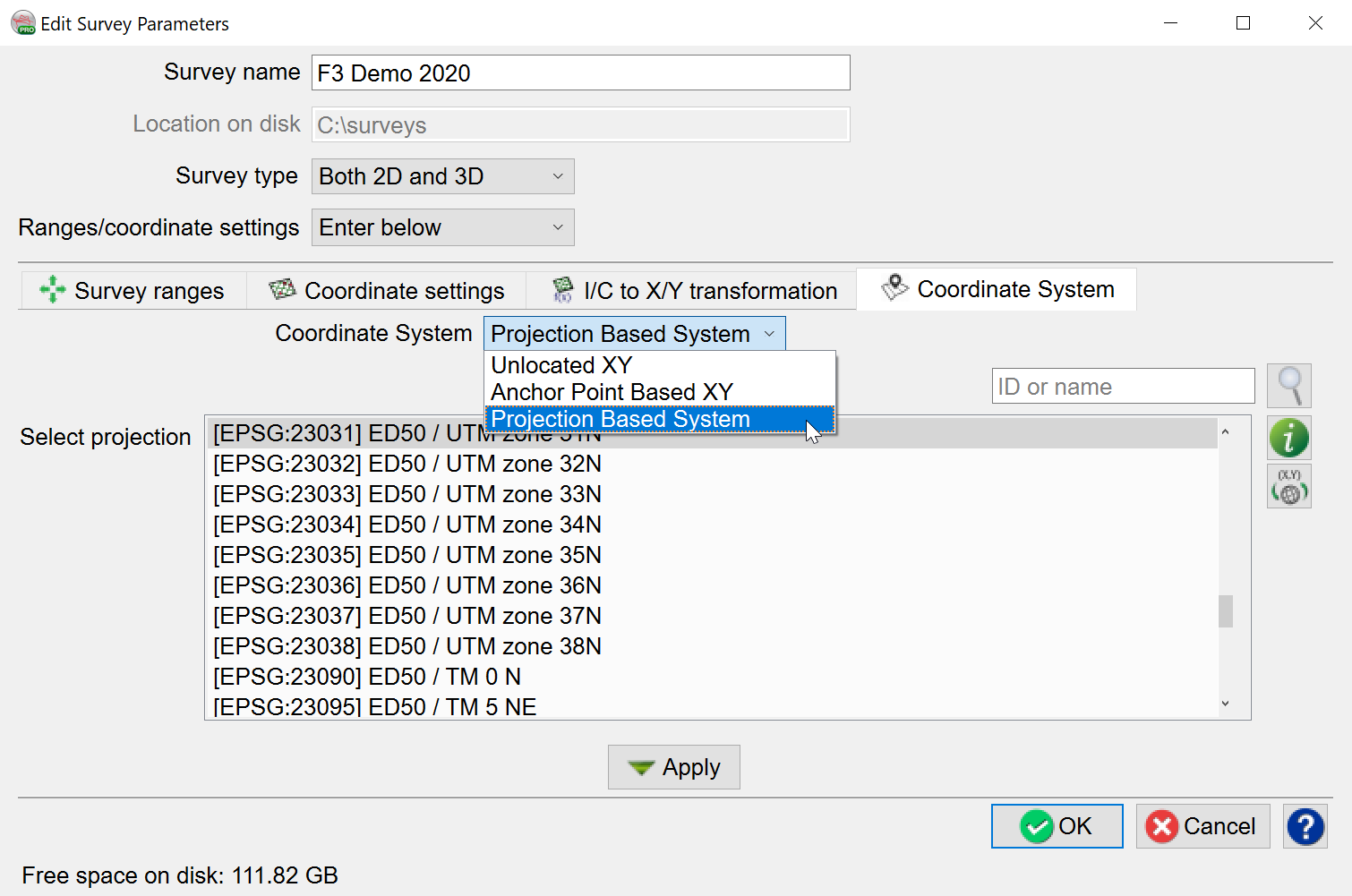
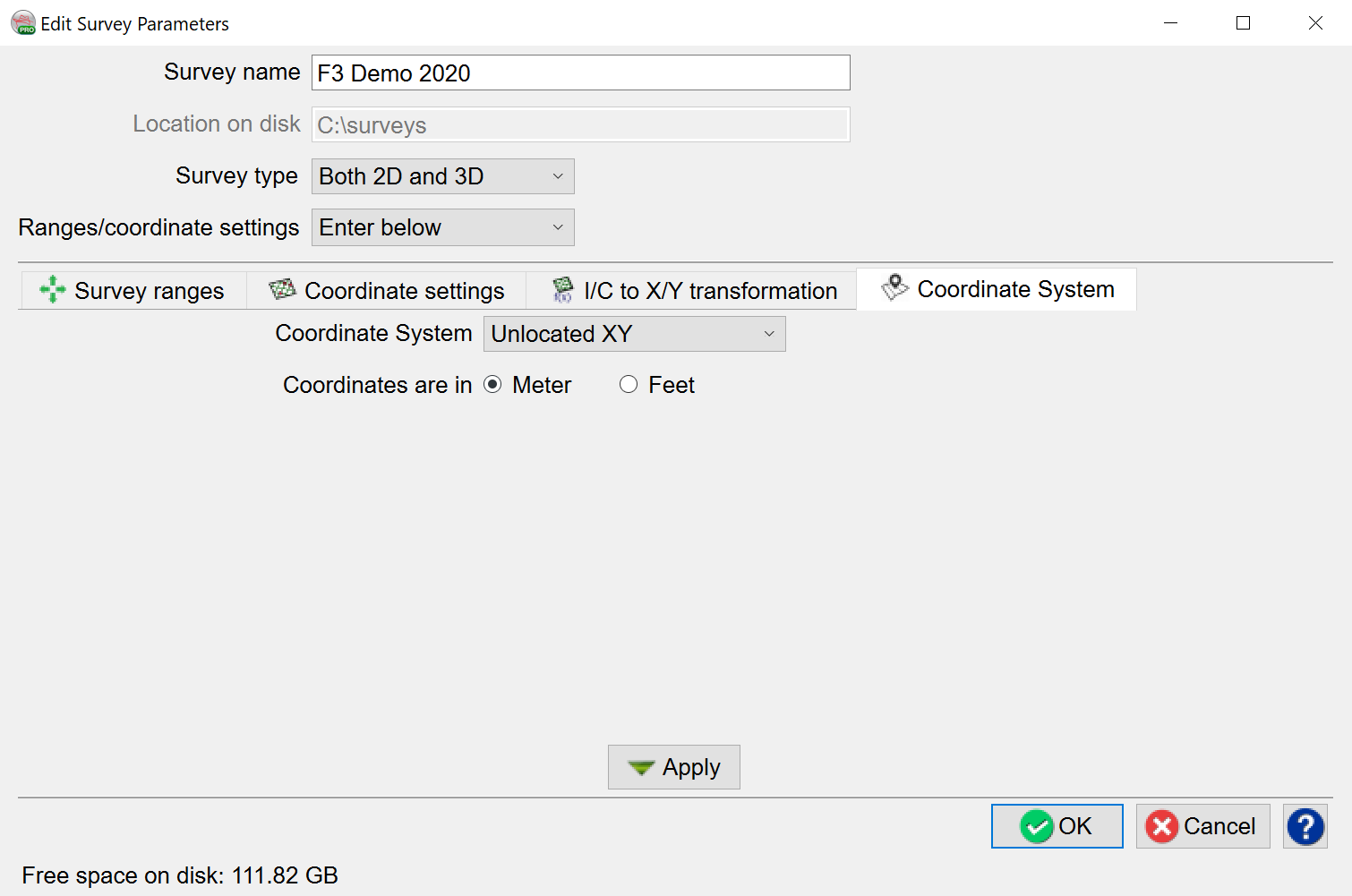
Unlocated XY - spatially unaware, based on three points, two of which must be on the same inline:
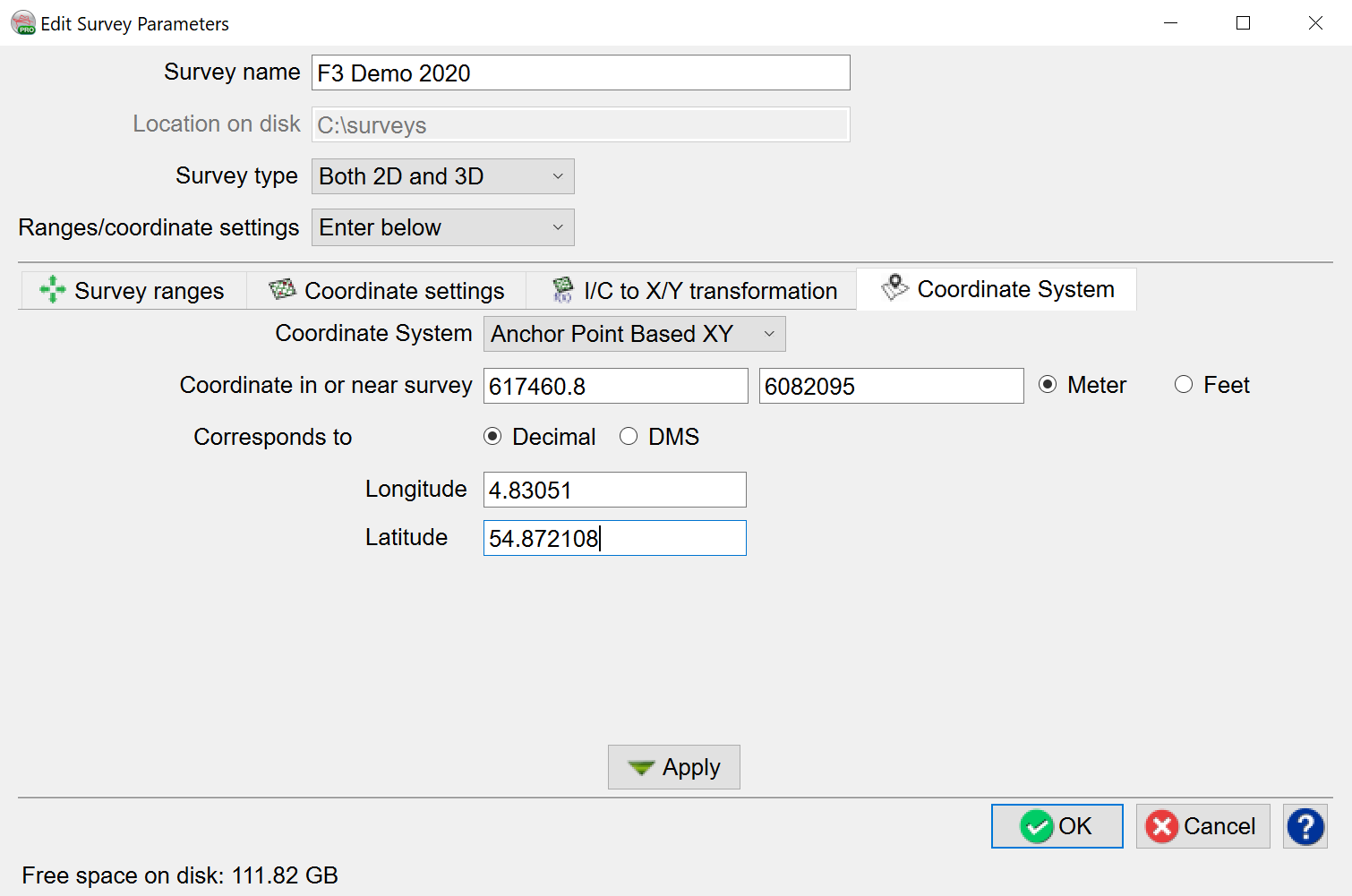
Anchor Point Based XY - an approximate way to convert XY coordinates to geographical latitude and longitude. Error increases with the distance from the defined point:
Project Based System can be selected when a coordinate system is known. The list of projections was created using Proj.4 filter function.:
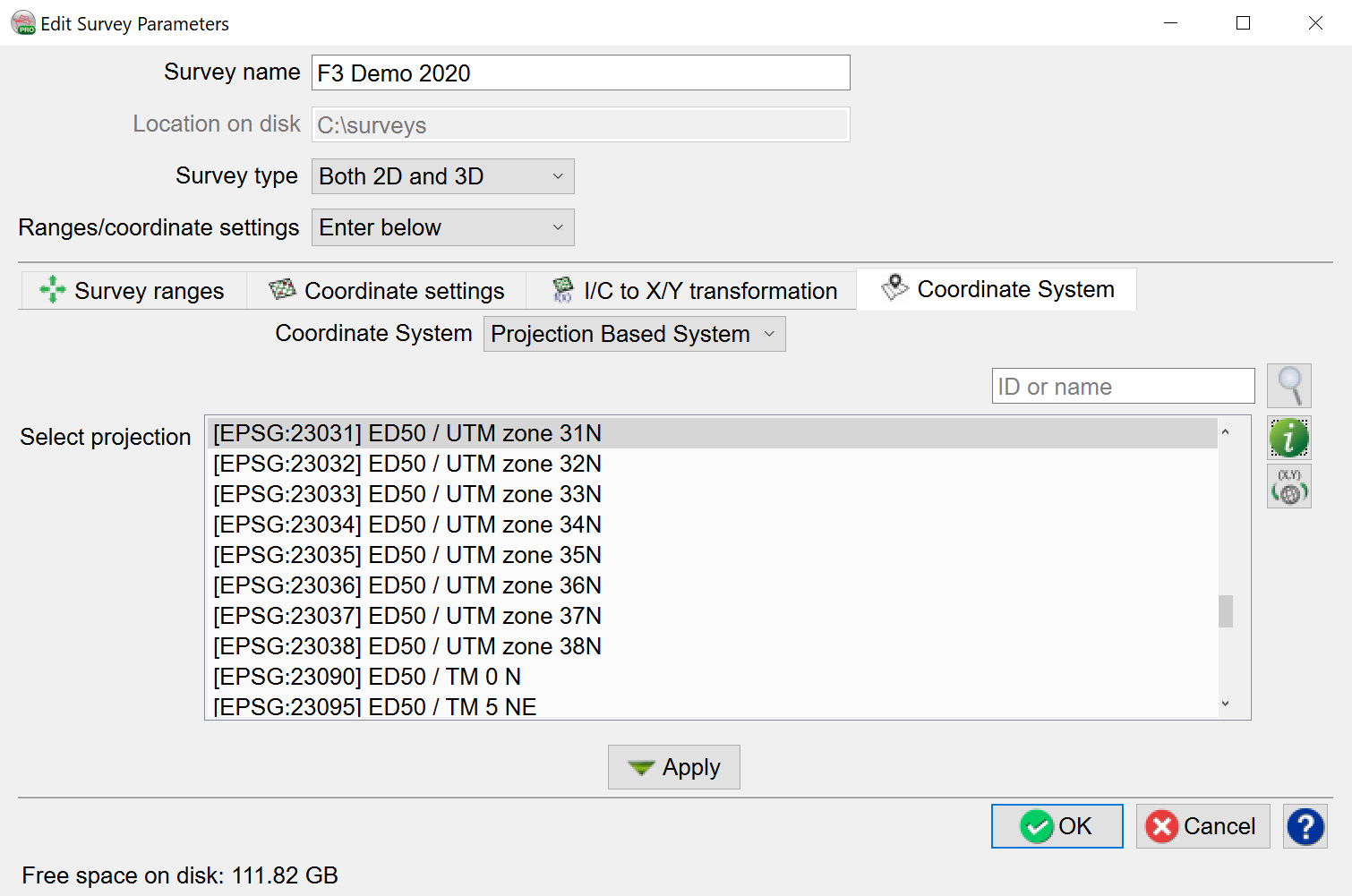
The search field provides a quick way to find the projection system by ID or name
The  icon provides useful information about the selected projection:
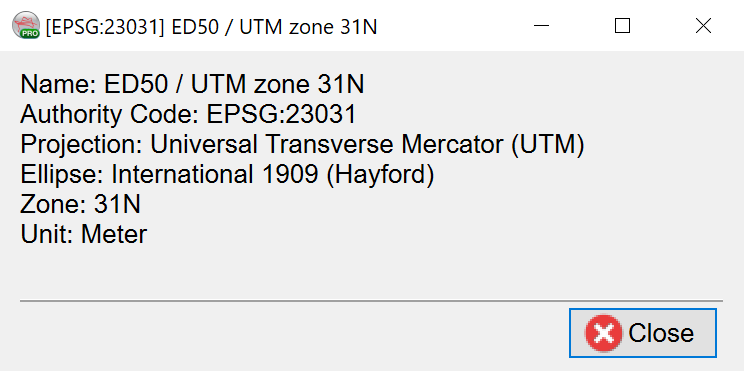
The  icon allows, under the Projection Based System, conversion of XY coordinate pair to geographical latitude and longitude, and vice versa:
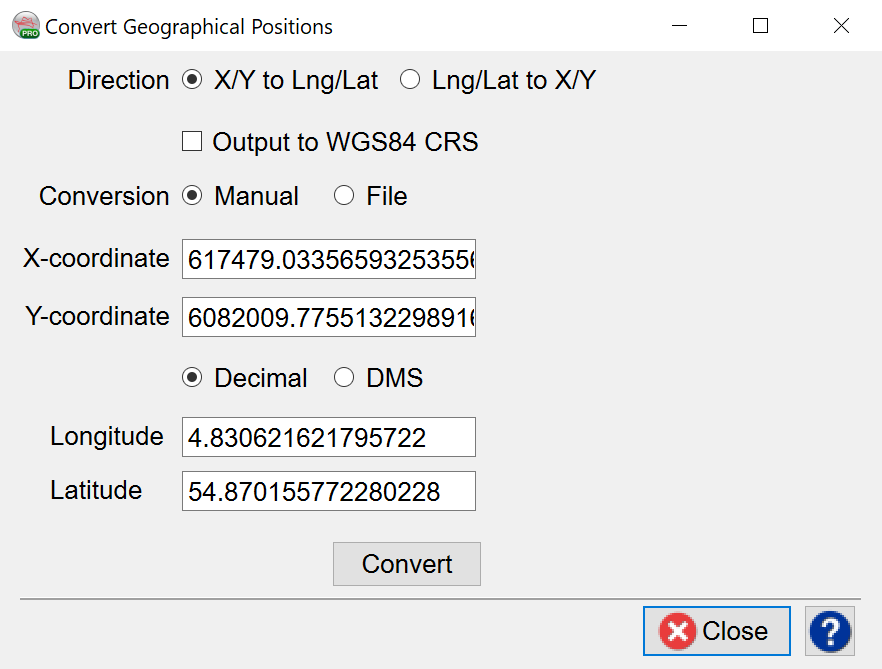
In the Convert Geographical Positions window, there are two modes available for coordinate conversion: Manual/File.
- In Manual mode, the user specifies an X/Y pair (or Lat/Long pair), then press the corresponding arrow key to obtain the position in the other domain.
- In File mode, the user browses the input file and create a new output file. By specifying the corresponding type conversion (XY to Lat/Long or Lat/Long to XY) and pressing the Convert button, the desired conversion is written on output file.