9.4.8 Show HostID
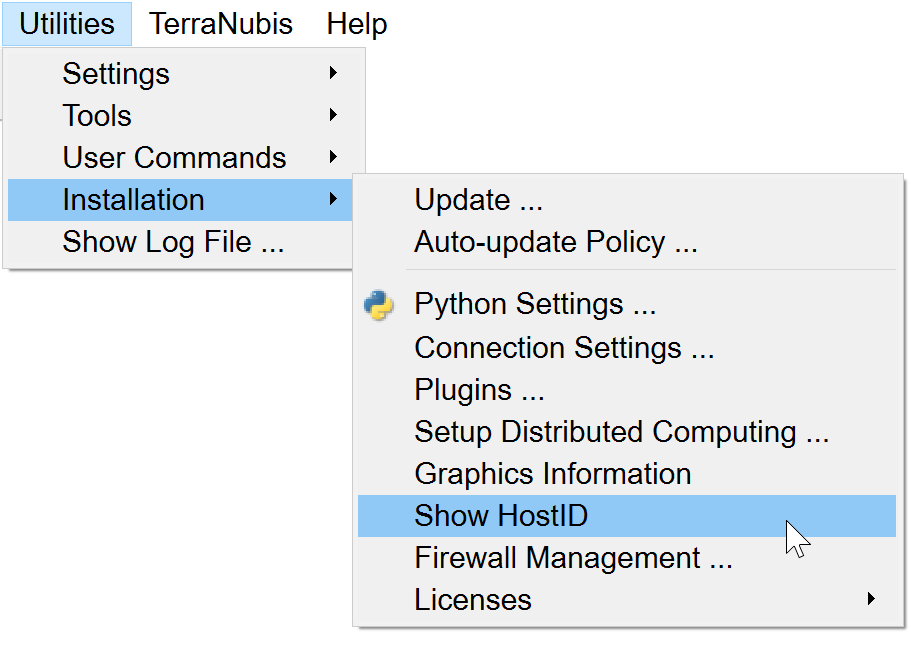
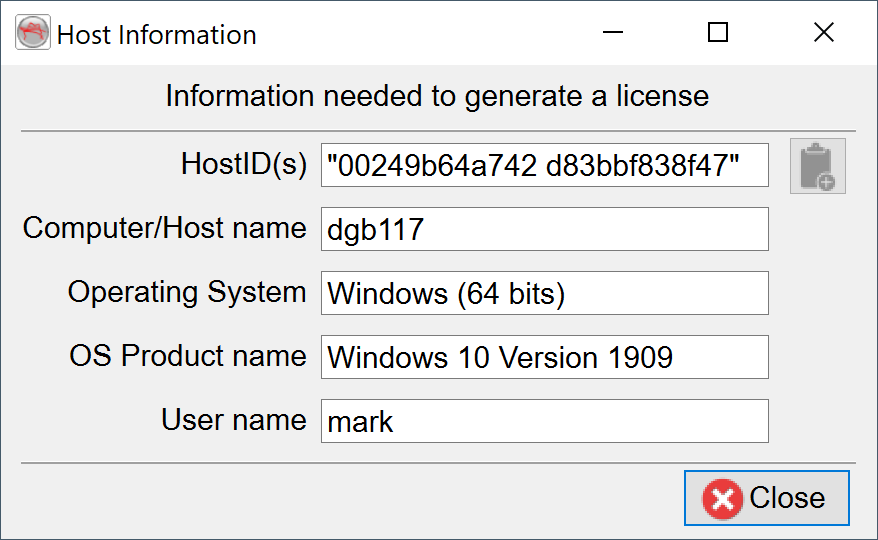
This option scans your system, and lists relevant Host information (HostID, Name, Operating System, User Name).
This information can be copied using the  icon.
icon.
Additionally, on Windows, accessing the HostID of the machine can be done via the LM Tools (available via the Start Menu or directly from ..\OpendTect\6.6.0\bin\win64\lm.dgb\lmtools.exe):
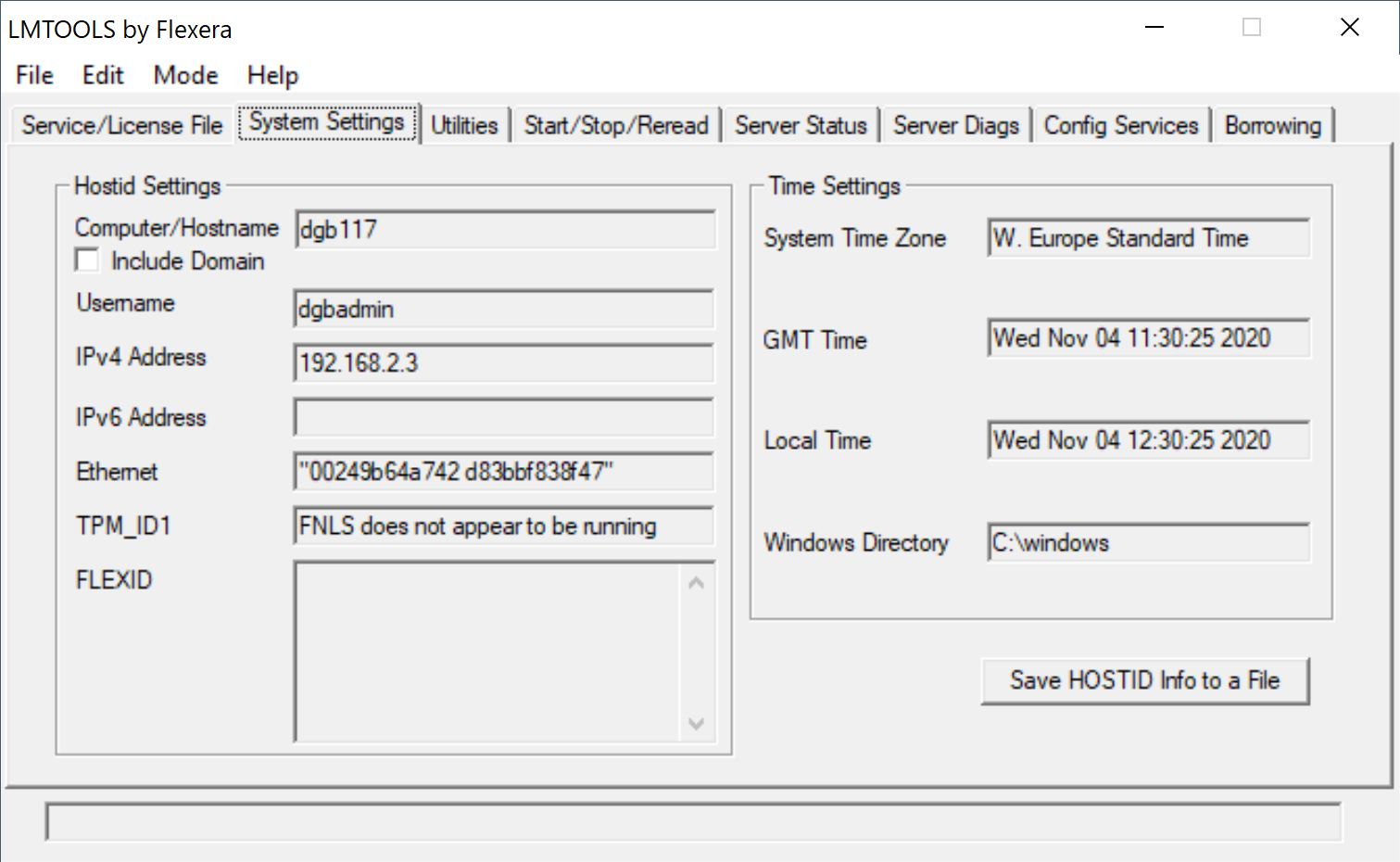
The option 'Save HOSTID Info to a file' will simply save the information displayed above into a .txt file for reference.
Note: On some Windows 10 and 11 systems there is an option Random hardware addresses in Windows Settings > Network & Internet > WiFi . Please make sure that the Use random hardware addresses option is toggled off when using the Show HostID utility and supplying us with the information needed for generating the license. Also this option should be toggled off when using the OpendTect license that you received back. When a random HostID is supplied to us we can not guarantee that the generated OpendTect license will keep working. Therefore we ask you to supply us with a HostID that will not change.
Figure: Random hardware addresses option in Windows Settings > Network & Internet > WiFi