9.3 Horizon-based Velocity Update
From the VMB toolbar, launch the horizon-based velocity analysis using the appropriate icon .
.
The window is setup using four 2D viewers, presented from top to bottom:
- The migrated image on an inline or crossline
- The migrated image on that same inline or crossline, flattened with respect to the active horizon
- The semblance calculated at the intersection of the line and the active horizon
- A set of CIG along the selected line, before or after semblance pre-processing, with or without RMO correction
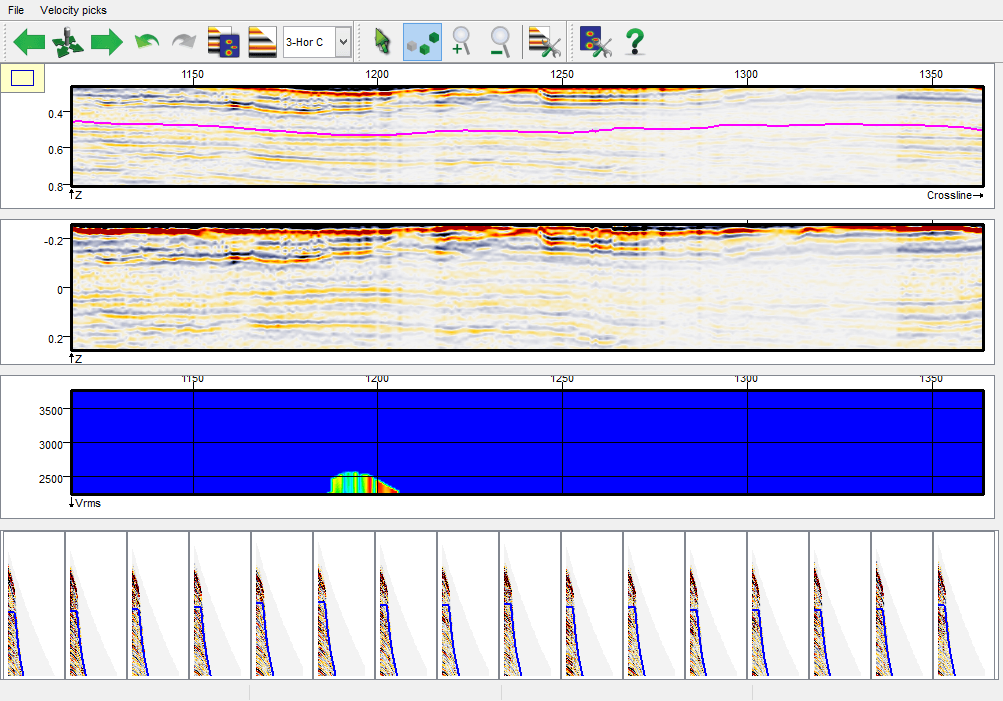
The horizon-based analysis works similarly to the vertical velocity analysis, although only Velocity picks can be picked, and neither migration velocity nor picked velocity are displayed. The mutes and prestack events must be picked in the vertical velocity analysis window. The RMO function defined by the picks will be interpolated laterally over the entire section, providing RMO corrections at each CIG of the line. A combo box allows the quick toggle between the horizons loaded in the settings. Please note that the cursor as well as the velocity picks are synchronized between both velocity analysis windows.
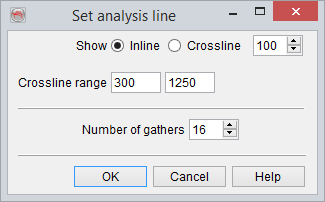
In the two viewer you can jump to any inline or crossline any position using this toolbar icon , that launches a line selection window:
Settings: (available via File--> Settings...)
This section presents only the settings that are different from the vertical velocity analysis settings.
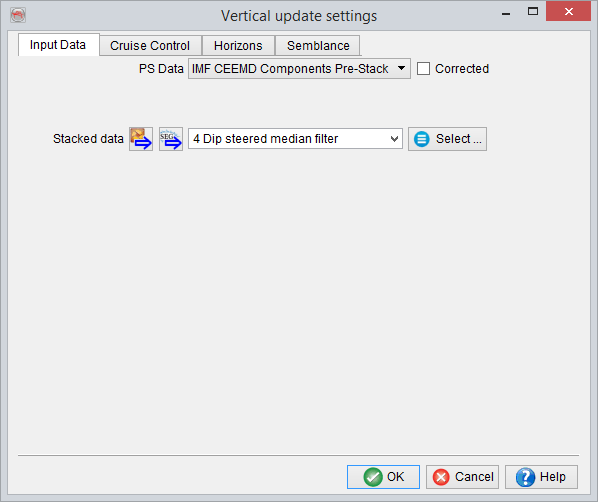
- Input: The input will link the prestack data and migration velocity to the corresponding stacked data visible in the two upper 2D viewers.
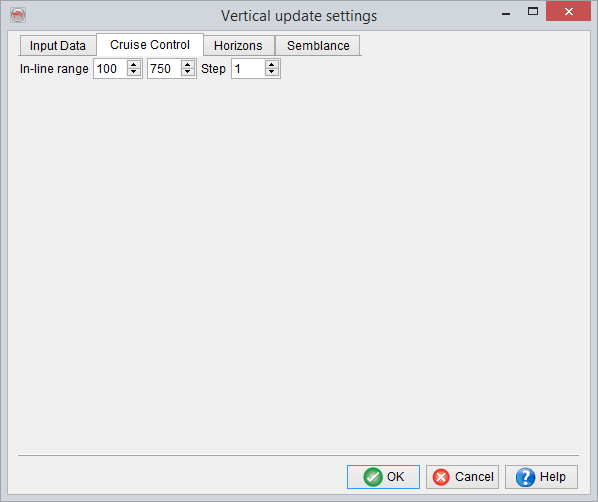
- Cruise control: The available item is either an inline or crossline range, depending on the choice of active line. This can be changed using the "Go to any position" button where the analysis line (number and type) can be set.
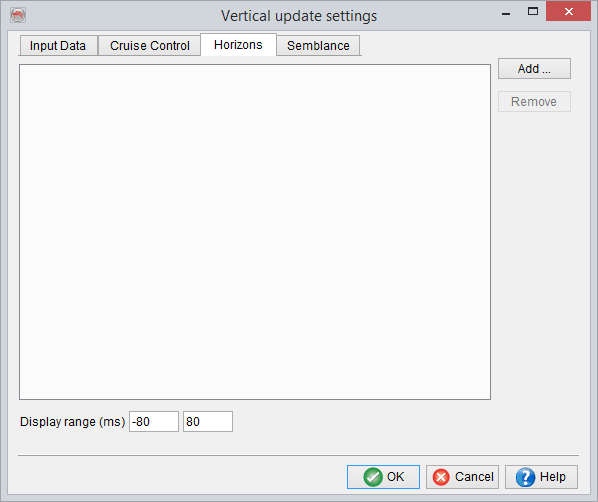
- Horizons: The horizons used for the analyzes must be defined here and are loaded by pressing the add button. You can select as many horizons as you want, and specify the display range of the flattened section (second 2D viewer from the top).
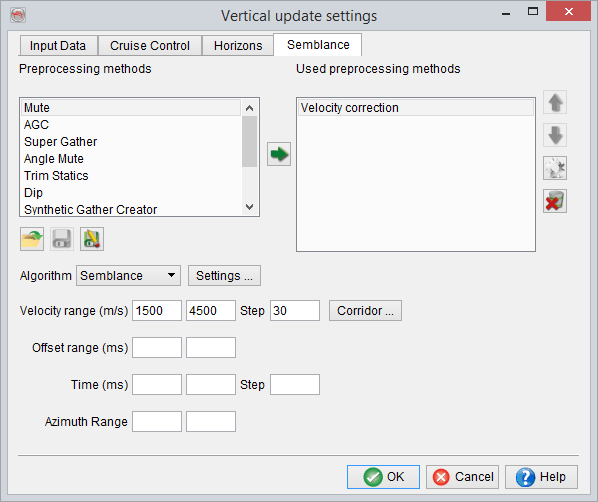
- Semblance: The semblance settings are fully similar as for the vertical velocity analysis window.