1.8 Create Body
A body can be extracted from a drawn polygon. A polygon can outline a geobody e.g. channel, valley, other geomorphological feature, or any arbitrary shape.
The generated volume (body) is limited by the polygon surface area and the horizons chosen for top and bottom.
Different attributes can be displayed on the body on-the-fly, which in turn can be interpreted further.
The workflow is as follows:
- Create a new polygon that defines a geological shape.
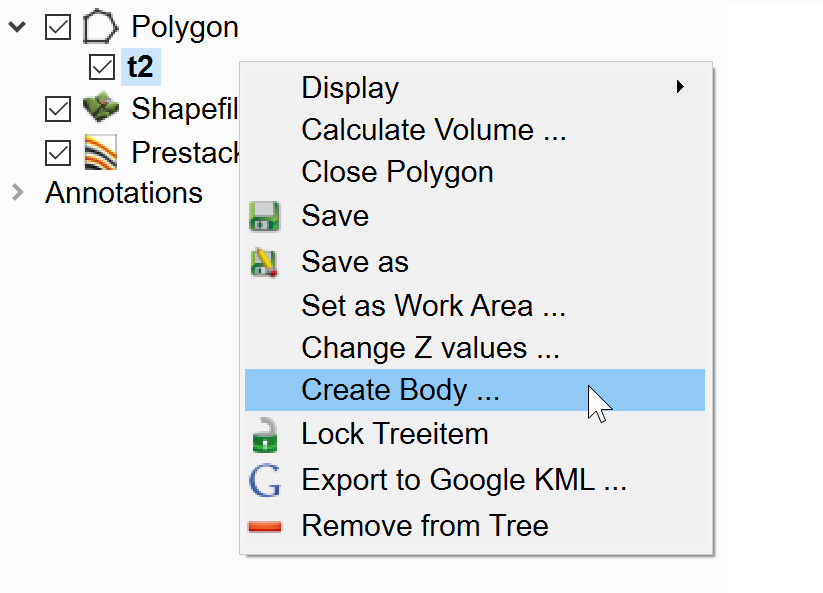
- Right-click on the new polygon name and select Create body
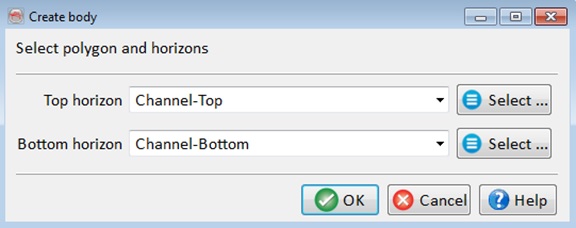
- In the pop-up window select the top and bottom horizons to define a vertical limit. Press OK to continue
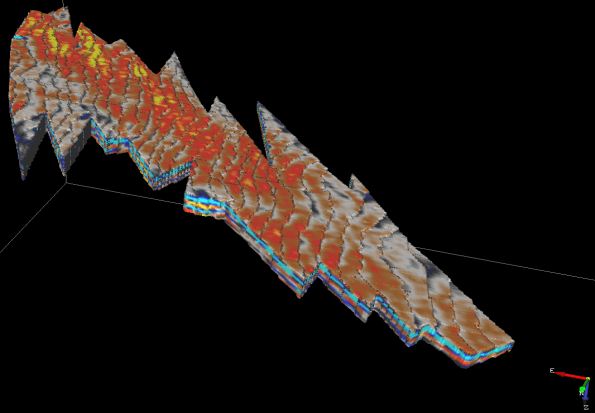
The setup will create and display the output body. An example of a body of sand-waves from offshore seismic data is shown below.