1.1.3.3.1 Export 3D Horizon To Petrel*
Writing 3D horizons directly to Petrel* data store is available in various OpendTect windows by choosing  PetrelDirect output format:
- Right-click on a 3D horizon in the Tree of 3D scene or 2D viewer and choose Save as:
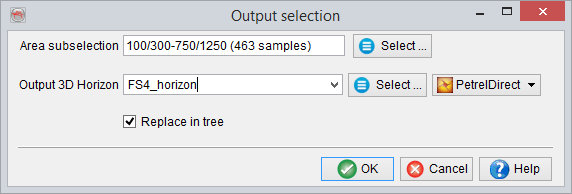
- In various workflows, such as gridding, filtering, etc.:
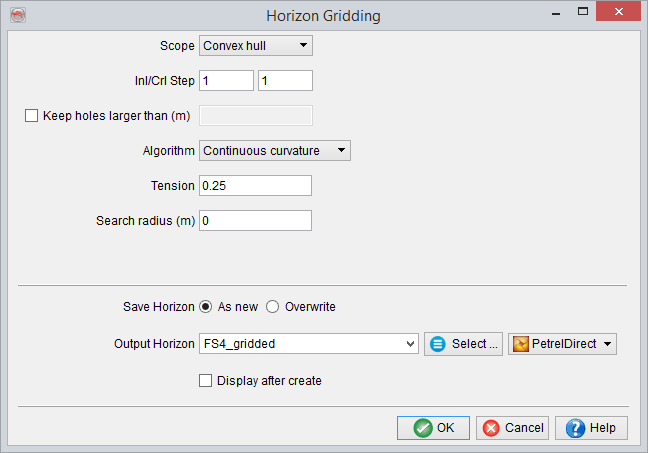
Click on Select button to choose an output Petrel* folder, otherwise the data is written to the first appropriate folder.
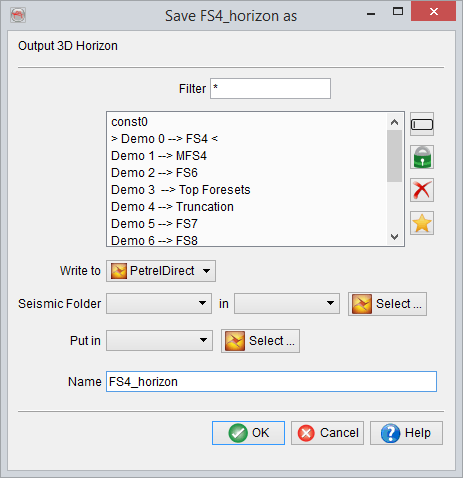
- Save 3D horizon as window:
-
Under Survey, Export Horizons with PetrelDirect:
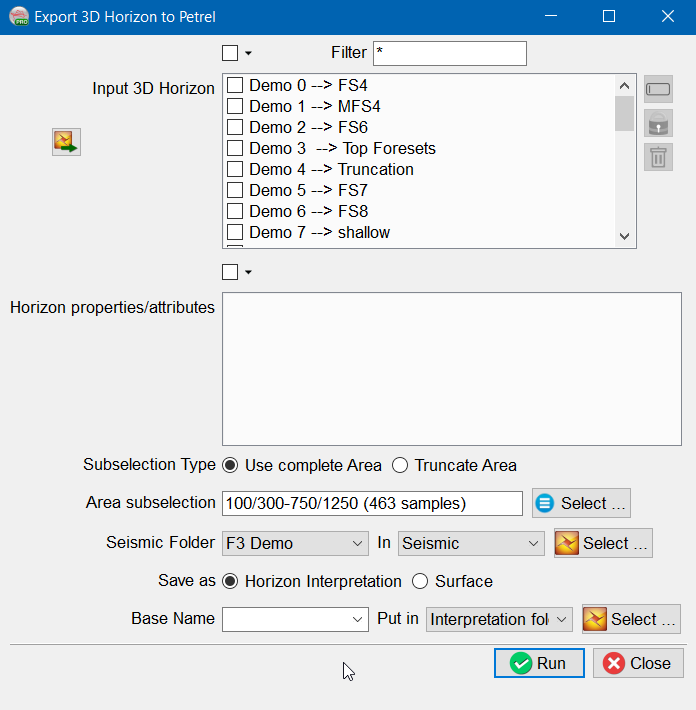
On the Petrel side, multiple seismic surveys are supported.
Save as Horizon Interpretation or Surface: It is a new option in Version 6.6.0 that allows to export a surface as Horizon Interpretation or as Surface. A Surface is not bounded by seismic survey dimensions, it can exist across multiple seismic surveys. Whereas, Horizon Interpretation can only exist within a seismic survey.
OpendTect is created on the basis of single survey dimensions, hence no distinction between Surface and Horizon Interpretation. When a horizon is imported to OpendTect, it is imported as surface (i.e. even if data is outside survey ranges it will be displayed). But when exporting to Petrel, the user needs to make a clear distinction between Surface and Horizon Interpretation.
Use Complete Area: This option as per its name does not truncate the area. In case the surface is greater than the seismic cube, a warning message will pop up stating these facts. If a user still wants to transfer such surfaces as Horizon Interpretation, it will be truncated according to survey dimension.
Truncate Area: This allows subselection of area.
Base Name: This allows a common string to be added before the name of the object being exported. If kept blank original name of object will be used to create an object on Petrel* side. This option is available in all export Petrel* dialog boxes.
*is a mark of Schlumberger.