1.1.2.1 Import Fault From Petrel*
Petrel* fault interpretation can be accessed in OpendTect as Faults by clicking on PetrelDirect insert icon  in the following places:
- Manage Fault window (Survey > Manage > Faults... or click on
 icon in the Manage Data toolbar)
 - Select Input Fault(s) window when adding Fault(s) to the 3D scene, 2D viewer or Basemap by right click on Faultin the tree > Add)
Select Fault Interpretation(s) window allows to select faults from Petrel* project and create either Link to Petrel* or OpendTect Copy.
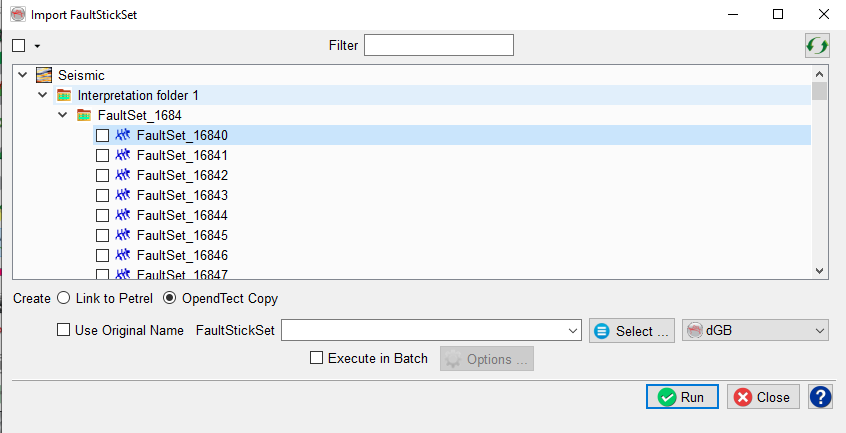
Fault Import User Interface
OpendTect does not support crossing fault sticks (a fault plane cannot cross itself). If faults were picked on inlines, crosslines and horizontal slices, only the largest subset of the three will be used to import the faults. Manual editing (removing unwanted sticks) is possible after import and might be required in some cases.
*is a mark of Schlumberger.