6.1.8.1 Time-Depth Conversion
To create an time-depth converted output, follow: Processing > Create Seismic Output > Time-Depth Conversion...
Time-depth conversion is done by applying Dix's equation, based on a interval- or RMS velocity volume. A velocity model and input time volume must be provided, and the direction of the conversion has to be set.
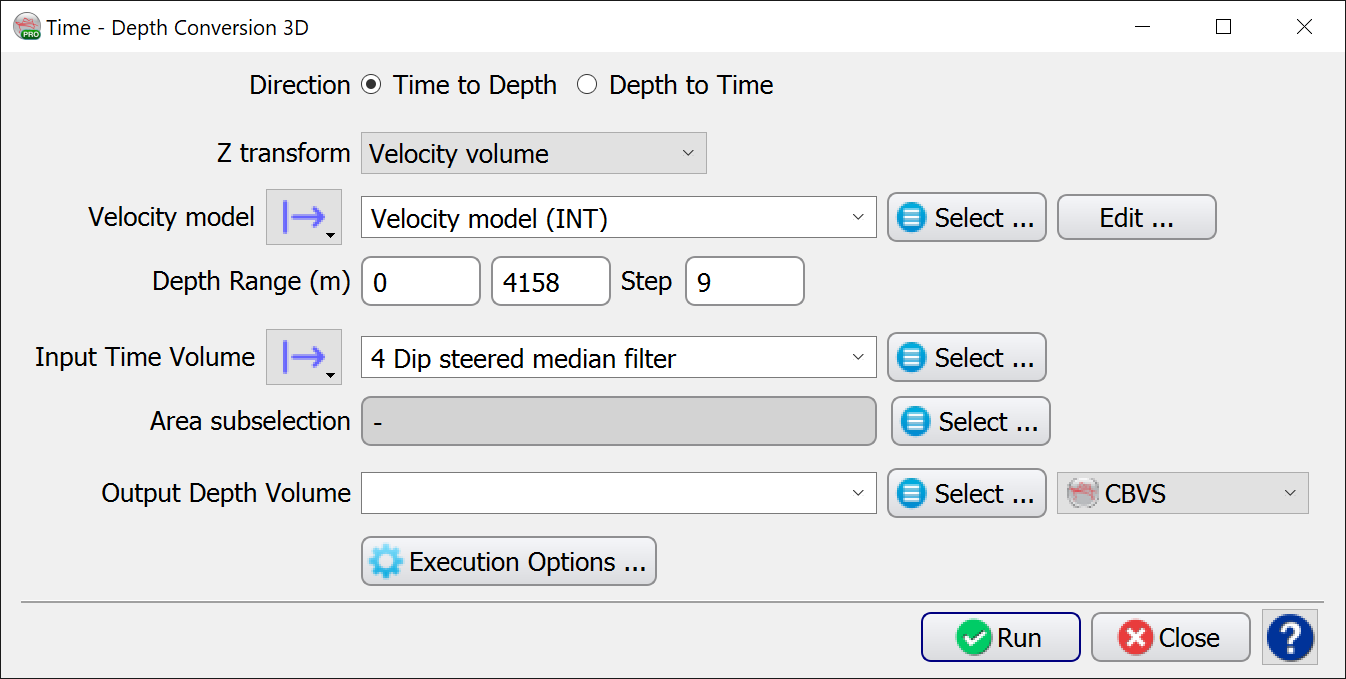
The Z transform options are as follows:

Each options has various additional choices:
-
Simple Time-Depth Model: Select or Create/Edit
-
Well's Depth model: Select (though these may be edited via the Well Manager)
-
Linear Velocity: set an Interval Velocity and Gradient directly in this UI.
It is also possible to convert from Depth to Time, where, instead of an input Time volume, a input Depth model has to be provided.