4.3.14.4.3 Bulk Well Marker Import
Markers can be imported for several wells in bulk from a single ASCII file via Survey > Import > Wells > Bulk > Markers.... The specification for the input data is similar to the single well import.
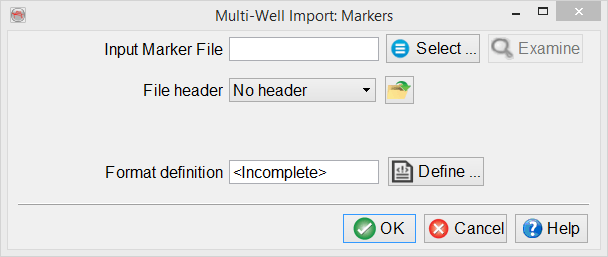
Click Define... to pop up the Format Definition dialog:
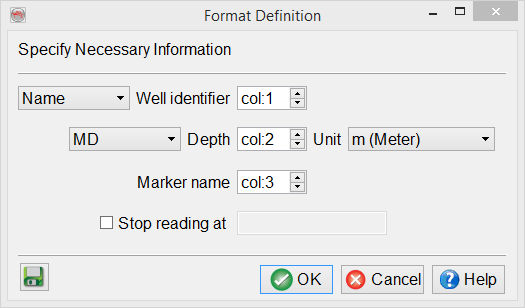
You will have the option to select either the well Name or UWI (Unique Well Identifier). And also to set depth as either MD or TVDSS. You may also toggle on the 'Stop reading at' choice and set a value here.