9.4.1 Update (Installation Manager)
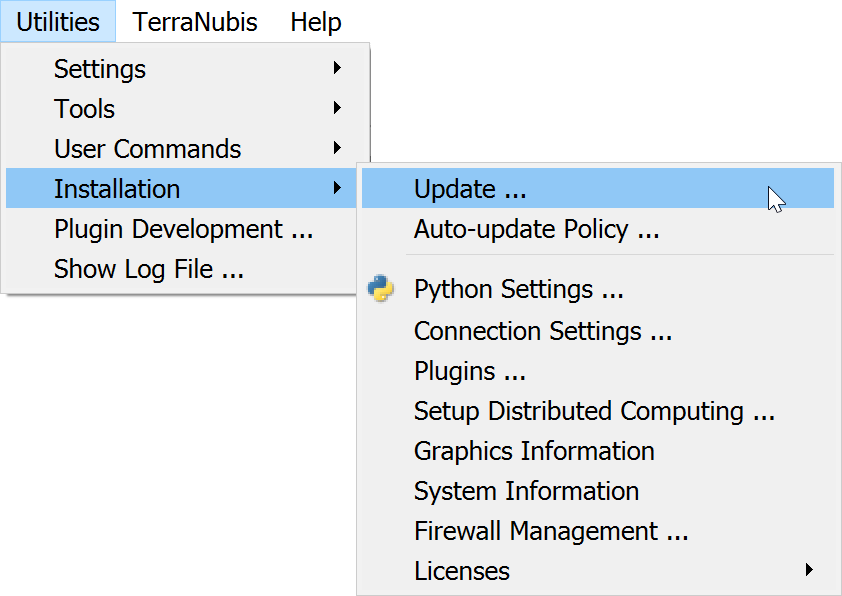
Some improvements in the installation manager:
- Removing individual packages is now supported
- Windows program feature to update or uninstall OpendTect
- Improvements to proxy handling
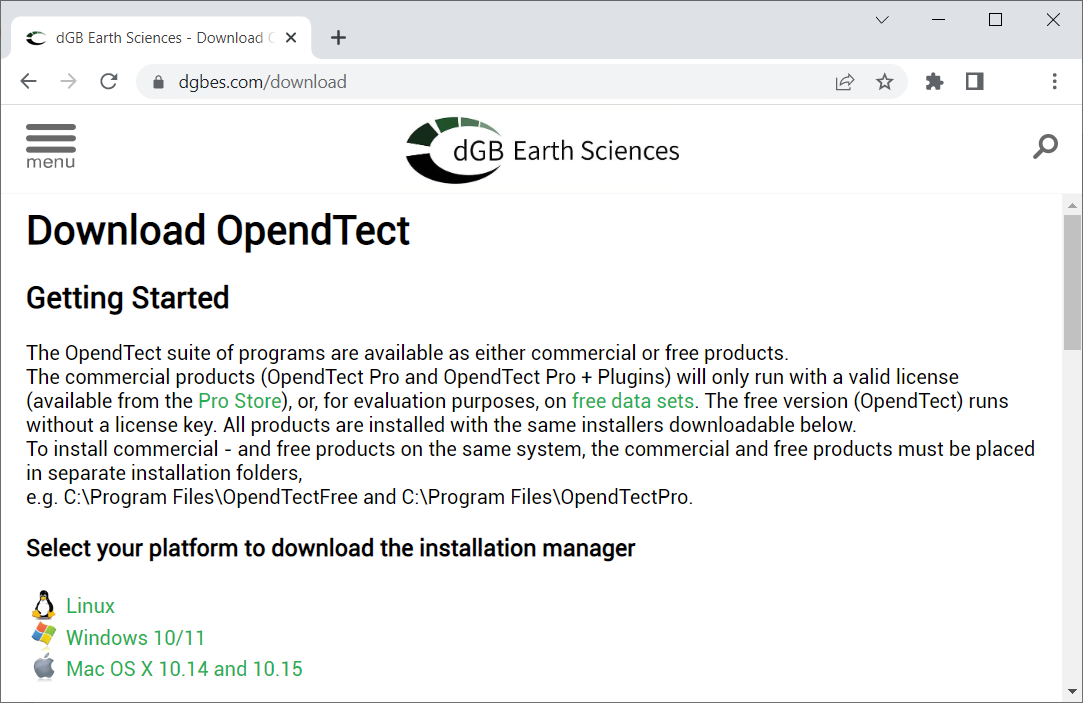
The Installation Manager is available for download via the appropriate platform link on the download page of the dGB Earth Sciences website.
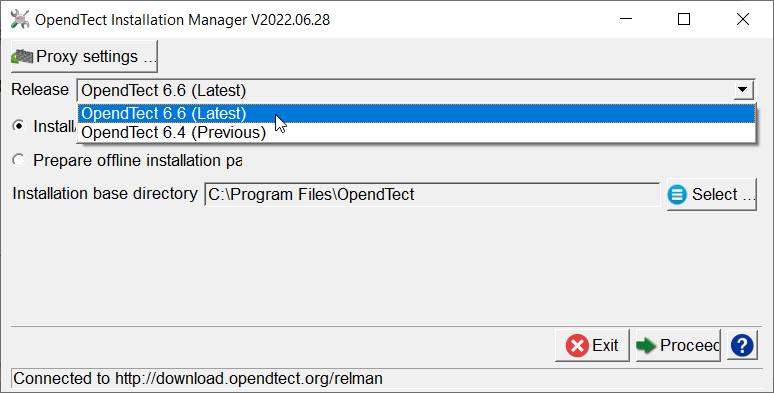
The installation manager is a wizard to install/upgrade the existing OpendTect (Current / Previous) releases. The release type field is used to select the release that is needed to be installed/upgraded. The installer gives you the choices as seen below:
The information following in this section deals with online installation or upgrade. For creating offline installation packages, please see Offline Installation
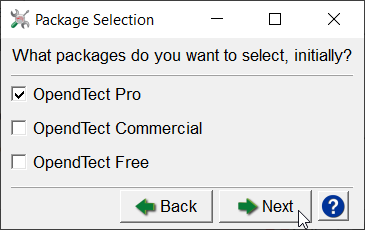
The figure above suggests to select the package type: OpendTect Pro. To read more about OpendTect packages type, please refer to our web-page of licensing types.
The OpendTect Installation Manager identifies the platform on which it is running. This information is then anonymized prior to it being sent to OpendTect. We use this anonymous data solely for the purpose of getting a picture of OpendTect usage and thus improving our support capabilities.
To facilitate using Python with OpendTect, it is possible to install a pre-formatted Python ecosystem based on Miniconda3, with virtual environments setup to run the machine learning plugins workflow.
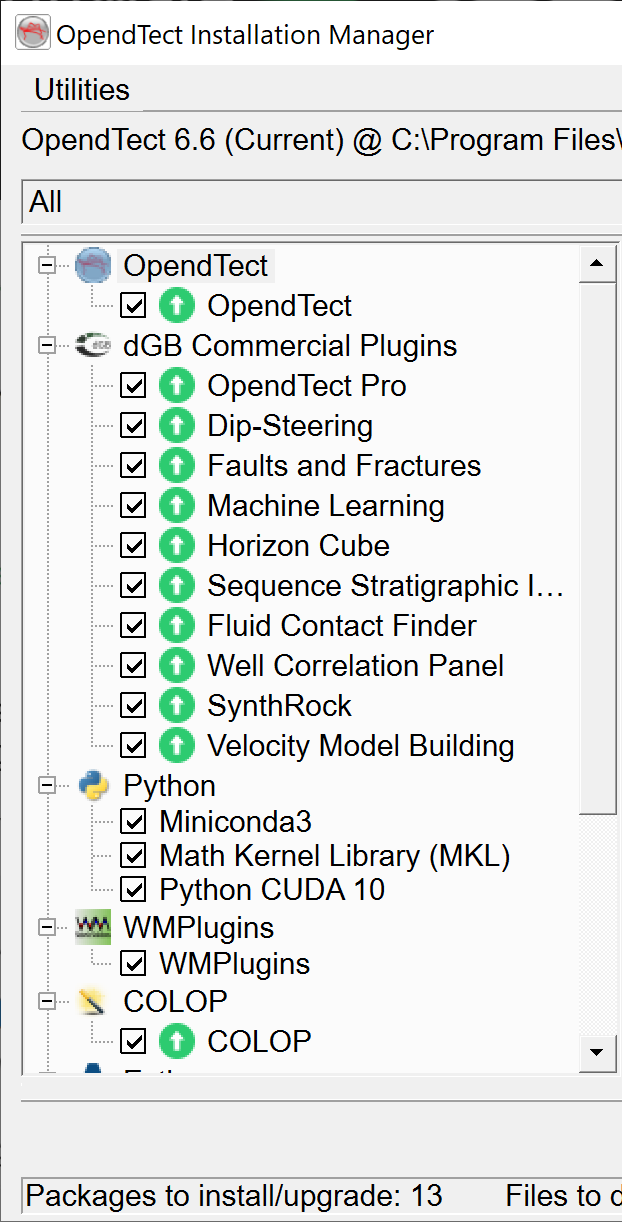
A GPU enabled environment will also be provided to take full advantage of the GPU processing capabilities of the Python package Tensorflow.
Two virtual environments will be provided with the Machine Learning plugin:
-
A CPU-only (fallback) environment
-
A GPU enabled environment (requires an NVIDIA GPU)
Both will be available on Windows and Linux. On macOS only the CPU-only environment will be available (Recent macOS systems no longer come with a NVIDIA GPU and thus are not supported by Tensorflow).
We can provide packages to test Machine Learning on macOS.