9.2.4 Presentation Maker Plugin
Introduction
Python-pptx is a Python library for creating and updating PowerPoint (.pptx files). The OpendTect 'Presentation Maker' plugin uses this library to create a PowerPoint presentation from scene, window or desktop screenshots.
Miniconda3
OpendTect 7.0 comes with a basic Python environment (Miniconda3). This basic Python environment includes python-pptx. This package needs to be installed to use the Presentation Maker out of the box. The additional Python environments Math Kernel Library (MKL) and/or Cuda113 can also be installed. These packages also include python-pptx. Therefore it is no longer needed to install Python separately. Of course this is still possible and might be what you want.
How to make the presentation
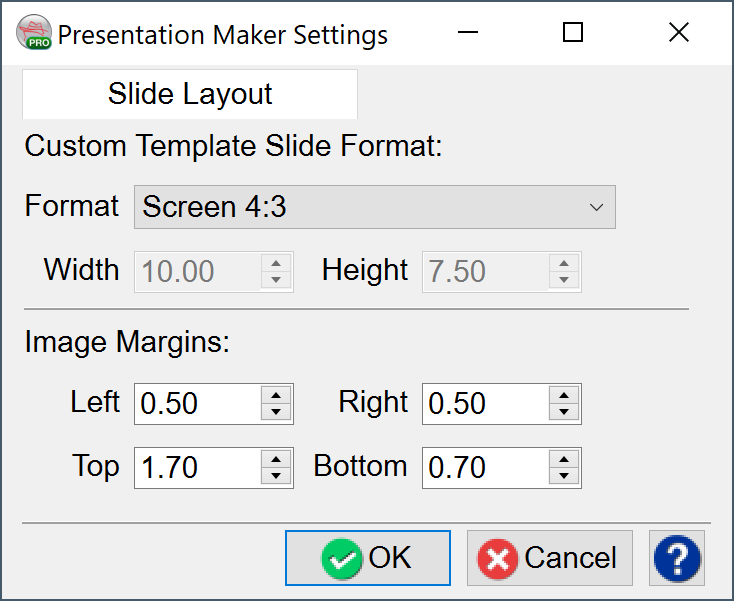
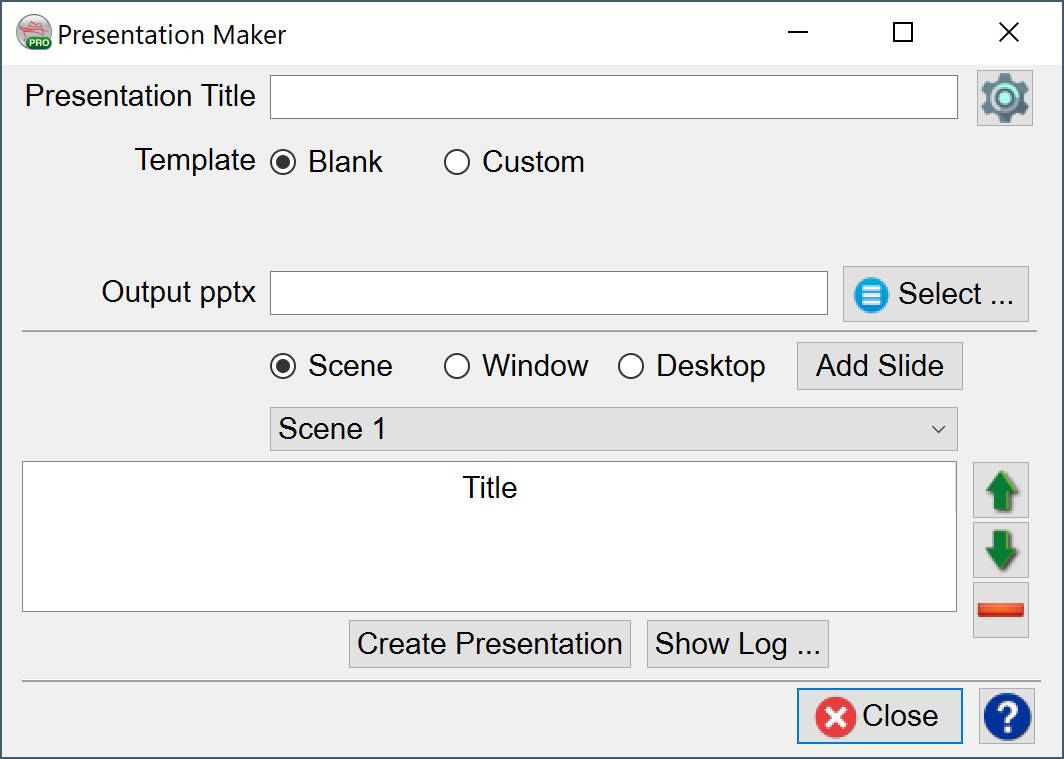
A presentation can be made in 2 different styles, as a blank presentation or by using a custom template (master) PowerPoint presentation. When you use a blank option, the template which is part of the python-pptx installation will be used and all slides will have a whit background. When you choose the custom option, you need to select an existing PowerPoint presentation. The plugin expects a PowerPoint file (a pptx file, not apotx!) with 2 slides. The first slide should be the title slide, i.e. a slide with the 'Title Slide' layout. The second slide should be a regular slide with 'Title and Content' layout. New slides will use the layout of the 2nd slide. Click on the settings icon to specify the slide format and the image margins.
Three different images can be added as slides: Scene, Window or Desktop.
- Scene: the scene will be captured in an image. if you have multiple scenes, choose the scene you'd like to add. The name of the selected tree item will be the name of the slide.
- Window: image of the selected window will be added. Note that windows on top of the selected window will also be captured in the image.
- Desktop: an image of the full desktop will be added.
The Settings can be adjusted by using the window that pops up on clicking the Settings icon  :
: