8.3.1 Add New Modeling Node
The modeling description is typically composed of a number of nodes that are added in a given order in the layer description. The nodes are taken from the current stratigraphic framework, thus this framework must first be filled with the formations and lithologies that will be used during the modeling, prior to the modeling.
How-to add a node
Click on the left side of layer modeling window for the clean start, or right-click in this column when there is already at least one top node:
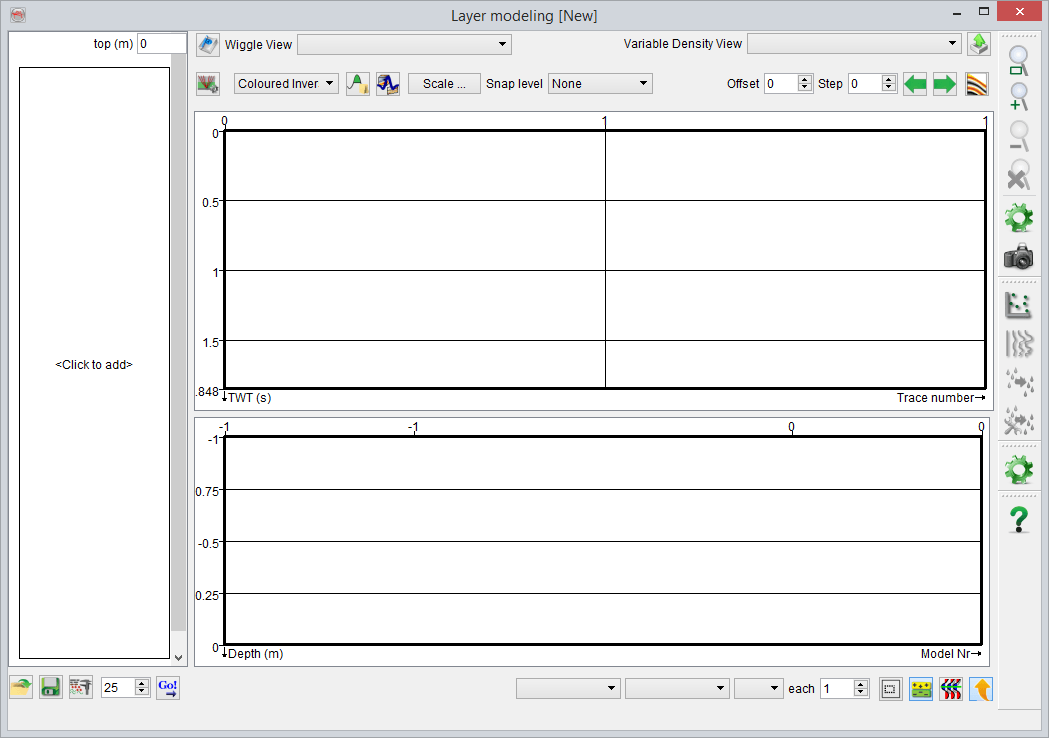
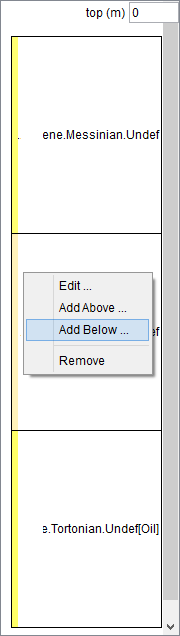
Empty vs existing
For the first clean run of the simulation (i.e. before any node has been added), specification of layer properties to be used in the modeling is mandatory. Various rock properties can be selected from the available list. It is also possible to define a new property by pressing . For more details go to Manage Layer Properties.
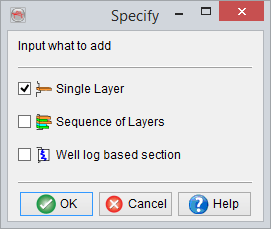
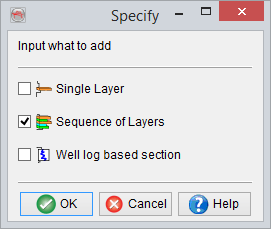
Simulation units can be:
- Single layers, one lithology of a given formation. This is useful only if you want to insert a single, most often thick, blocky formation into the modeling.
This option may be chosen to model relatively thick caprock shale above a (sand) reservoir as well as for modelling the underlying shale.
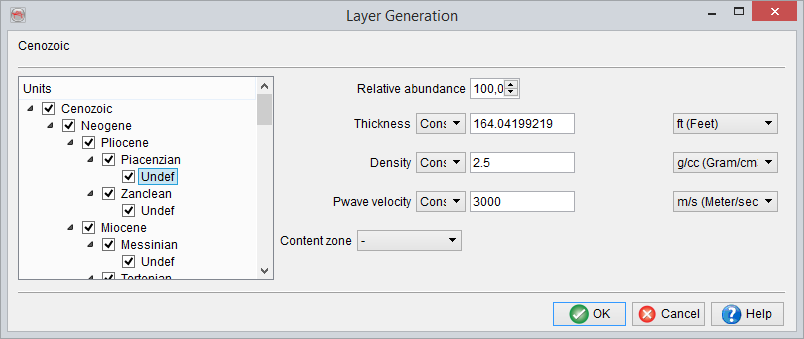
- Sequence of layers, it could either be a single formation composed of all the lithologies it can contain or a meta-formation. Meta-formations regroup all the formations (and their corresponding lithologies) underneath, under a single tree structure, as individual simulation units (example below).
The above option is useful while modeling multiple lithologies within a formation, e.g. an interbedded sand-shale sequence in the reservoir with a particular Net-to-Gross ratio or Sand-to-Shale ratio.
- Well-log based section, it can contain either full or part of well log data, which has been upscaled/blocked at a constant size.
This option is of particular use when a detailed overburden model is required, e.g. for generating pre stack synthetic gathers, where in the ray-tracing phase requires specification of the elastic model from ground-level down to the interval of interest. This could simply be achieved by choosing Vp, Vs and Density logs from an available well, where the logging is done from ground level down to the interval of interest.
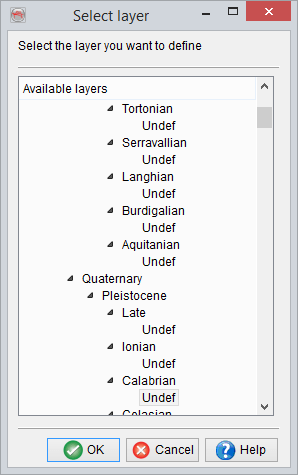
Adding a Single Layer:
Adding a Multiple Layers:
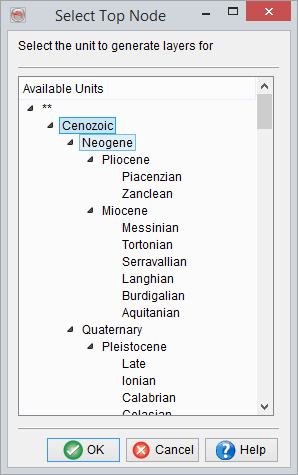
On first-time addition of mulitple layers, you will be prompted to select the top node from the following window:
Before being taken to the Layer Generation window: