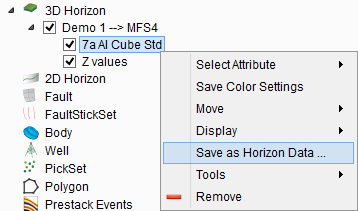
3.7.1 Add Attribute
This allows choosing the data to display on the horizon from stored cubes, a calculated attribute from the current attribute set, or horizon data that were included with the horizon already. For Horizon data a dialog will popup where you can select multiple data files. After loading you can browse through the data by pressing the 'Page Up' and 'Page Down' buttons on your keyboard.
For PgUP and PgDn to work, the mouse pointer must be in the scene.
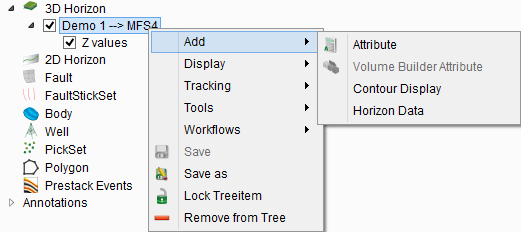
Once a horizon is added (with its Z-values displayed in the scene), it is possible to also right-click on 'Z-values' in the tree to give you other options:
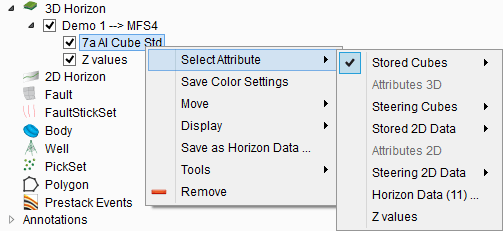
Furthermore, once a horizon has an attribute displayed, it is also possible to 'Save as Horizon Data'... and will be visible in the '