4.5.16.5 Taper a Wavelet in Time or Frequency Domain
A wavelet tapering window is launched by pressing the  icon from the wavelet management window. A wavelet is tapered in time or a frequency domain, depending what is selected from the top of the panel (see below).
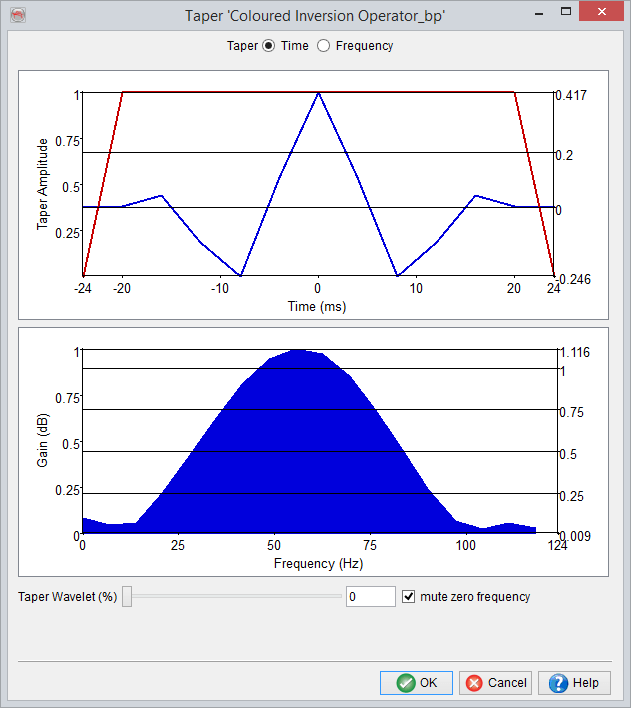
In time domain, the selected wavelet is tapered by selecting a tapering percentage (%), which is set from the slider available at the bottom of the window. This is done by moving the slider left or right. Additionally, the amplitudes at zero frequency can also be muted by setting check to mute zero frequency check box.
In frequency domain, the tapering can be applied to both ends of an amplitude spectrum, i.e. high and low frequencies. This is applied with a given slope (dB/Octave) value and placing the slider to an appropriate min/max position (Hz). The red line in the amplitude spectrum shows the resultant tapering pass, which is updated according to the given settings.