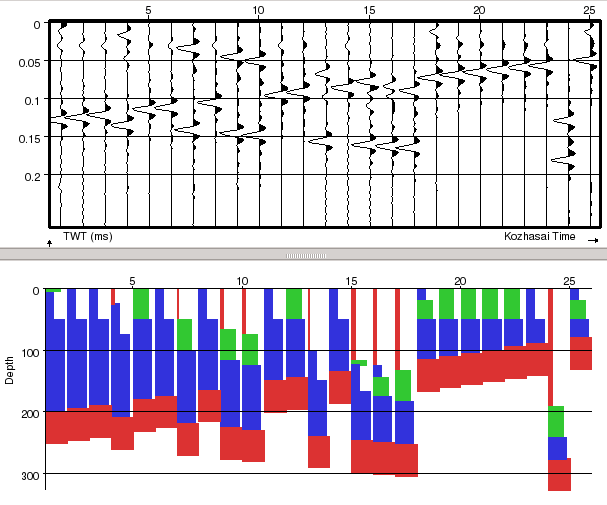
8.3 Stochastic Pseudowell Modeling
The stochastic modeling is performed using the following workflow:
- First the modeling nodes must be selected. They can be single layers, formations, or meta-formations.
- For each member of each node the stochastic parameters must be set. Default constant parameters are provided.
- Pressing "Go" will draw a user defined number of pseudowells that honor the modeling description.
- Then fluid substitution may be applied. This process duplicates the pseudowells into a brine set and a fluid-filled set.
The modeling itself will take place on the left side of the layer definition window. The modeling description can be saved, but not the stochastically derived pseudowells, except by extracting the corresponding data using the crossplot extractor.
The pseudowells are re-drawn by either pressing on the button or resizing the layer modeling window (sic). It is advised to start with a relatively low number of pseudowells while building the model, and then to increase it for the final application (several hundreds for a HitCube inversion are needed). An example is given below.